


Explaining How to Purchase and Use Digital Tickets for the CUTE Sightseeing Transportation Pass!
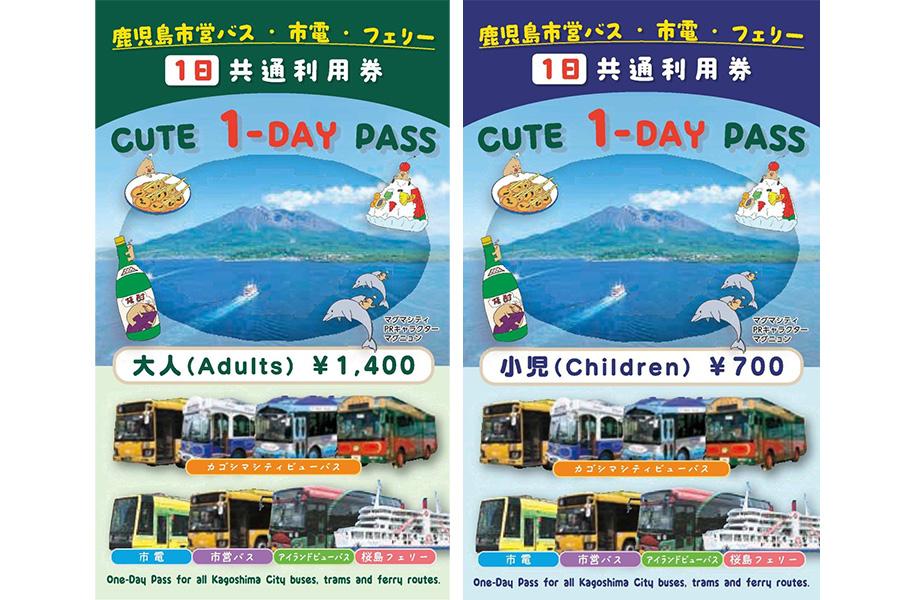
If you're sightseeing in Kagoshima City and Sakurajima, the CUTE pass offers unlimited rides on buses, trams, and ferries – making travel convenient and cost-effective!
Here’s how to purchase and use the digital ticket.
What is the CUTE pass?
Enjoy Unlimited Rides on These Transportation Services!
If you're visiting Kagoshima, Sakurajima is a must-see destination. For those wanting to explore Sakurajima and Kagoshima City by public transportation, the CUTE sightseeing transportation pass is highly recommended. This pass allows unlimited rides on city buses (including Kagoshima City View and Sakurajima Island View), trams, and the Sakurajima Ferry, all with just one ticket.
The pass is available in two types:
1-Day Pass: Adults JPY 1,400 / Children JPY 700
2-Day Pass: Adults JPY 2,100 / Children JPY 1,050
(Note: Adult fares apply to junior high school students and older.)
The following four transportation services are covered by the pass! Enjoy sightseeing around Sakurajima and Kagoshima city in a convenient and economical way.
(Note: The pass cannot be used on private buses or ferries other than those listed below.)
(Note: The 1-Day Pass is valid only on the day of activation, and the 2-Day Pass is valid on the activation day and the following day.)
(Note: These are not 24-hour or 48-hour passes, so please plan accordingly.)
-
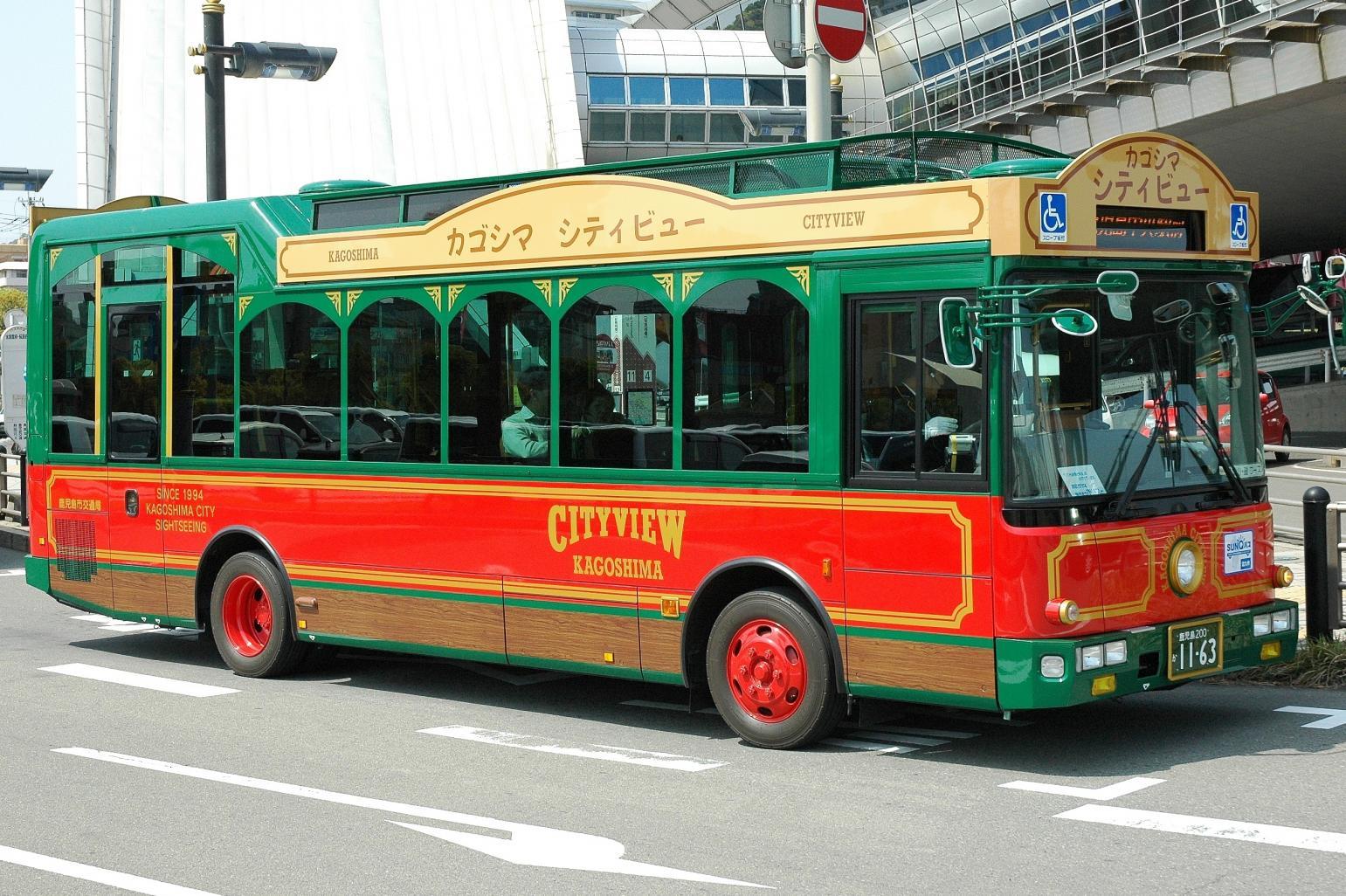
Kagoshima City View buses
View moreTakes approximately 80 minutes to make a loop of the main sightseeing spots in Kagoshima City.
-
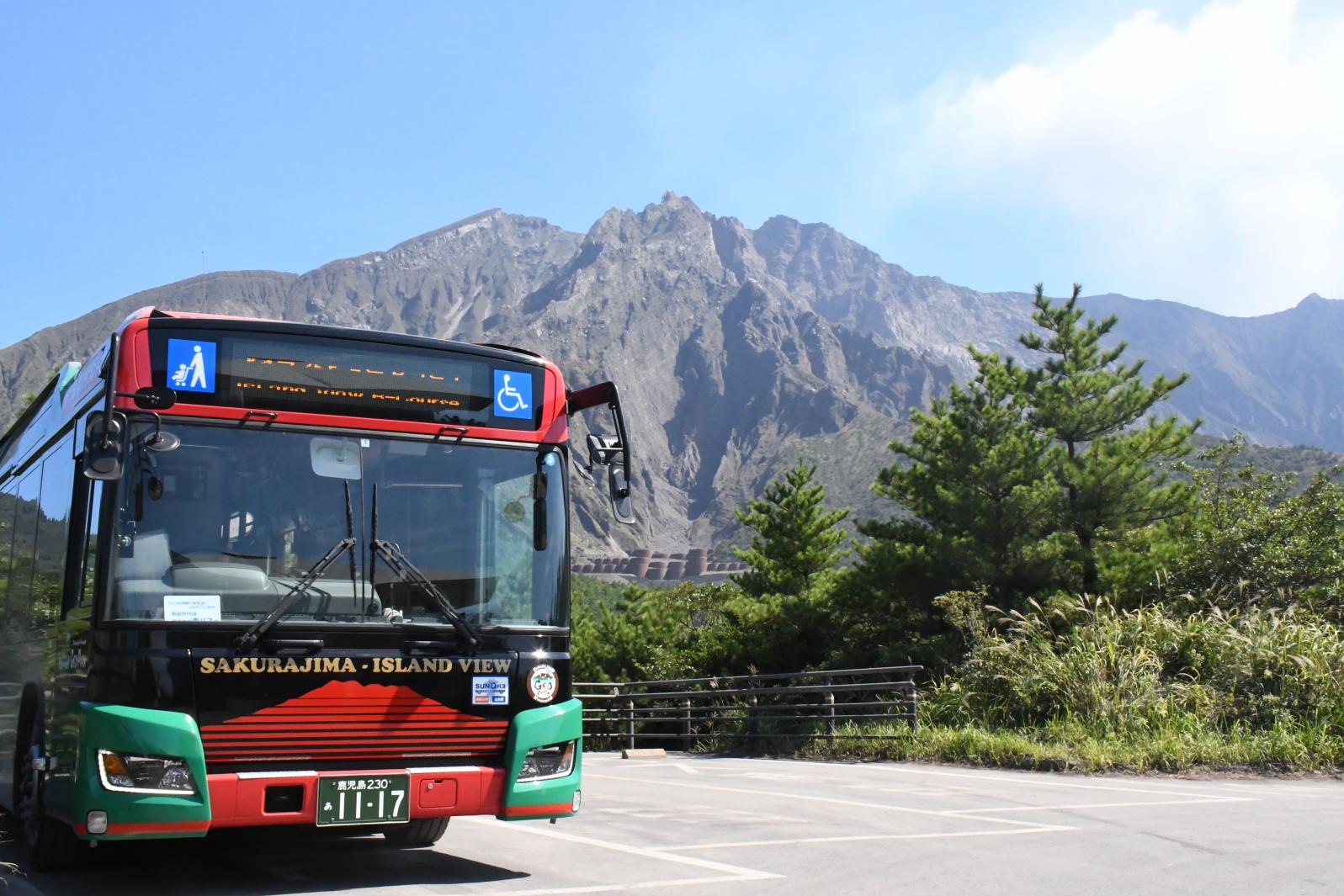
Sakurajima Island View bus makes a loop trip around Sakurajima
View moreA convenient loop bus for touring the western Sakurajima area.
-
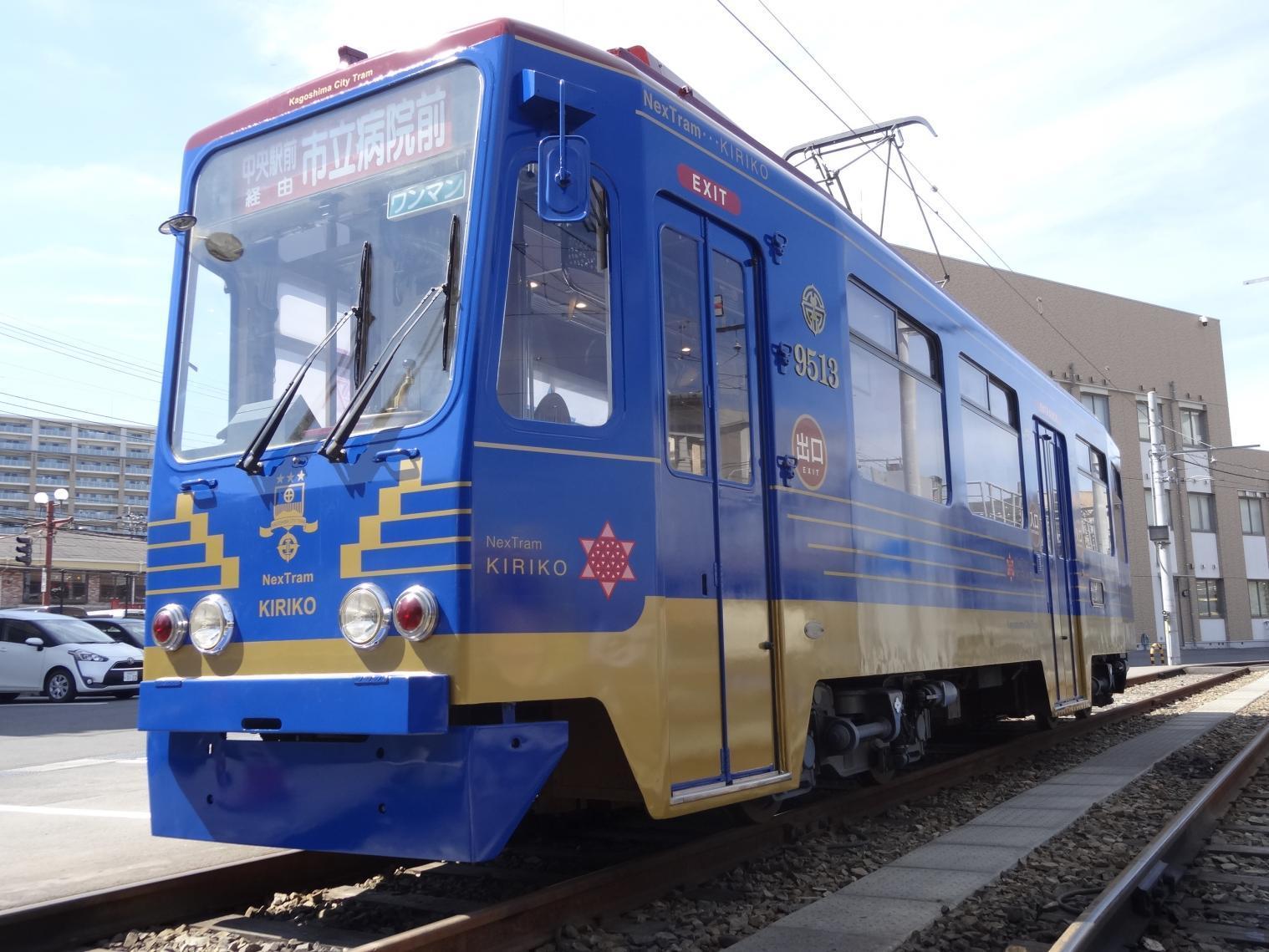
Trams & City Buses
View moreUnlimited rides on Kagoshima City trams and city buses.
(Note: Private buses are not included.) -
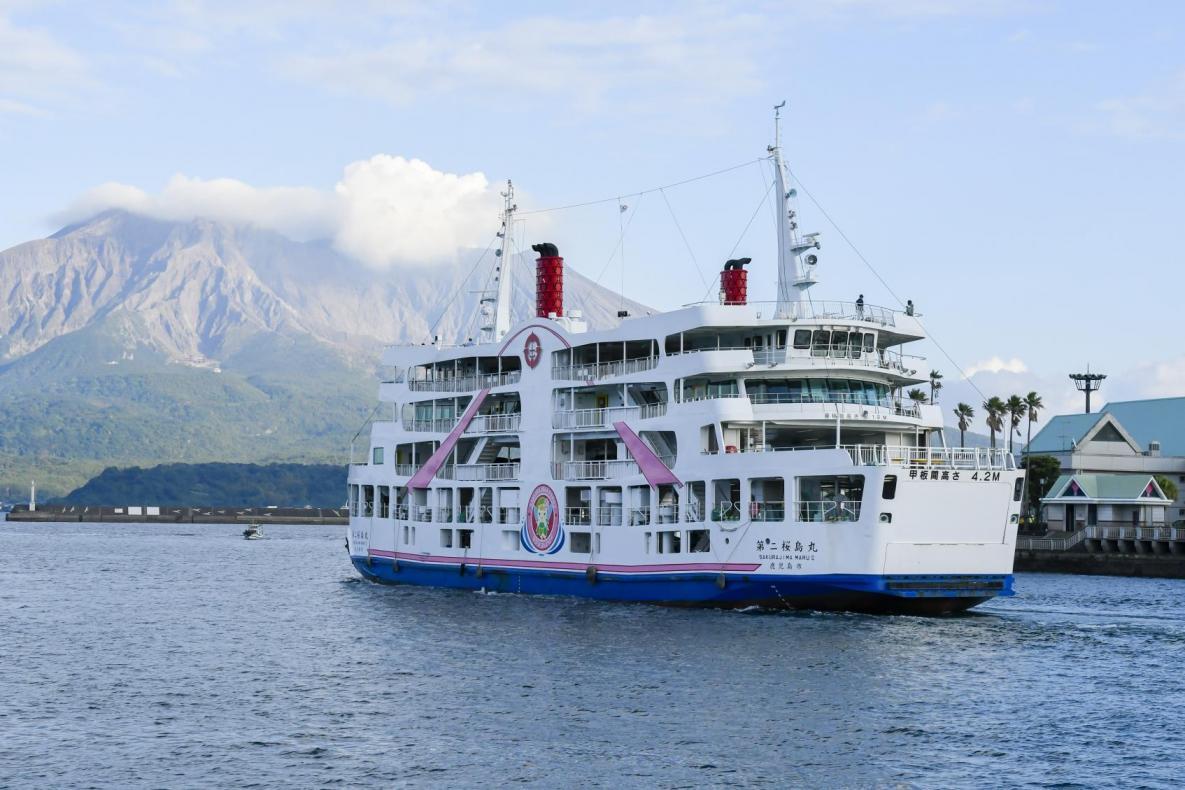
Sakurajima Ferry
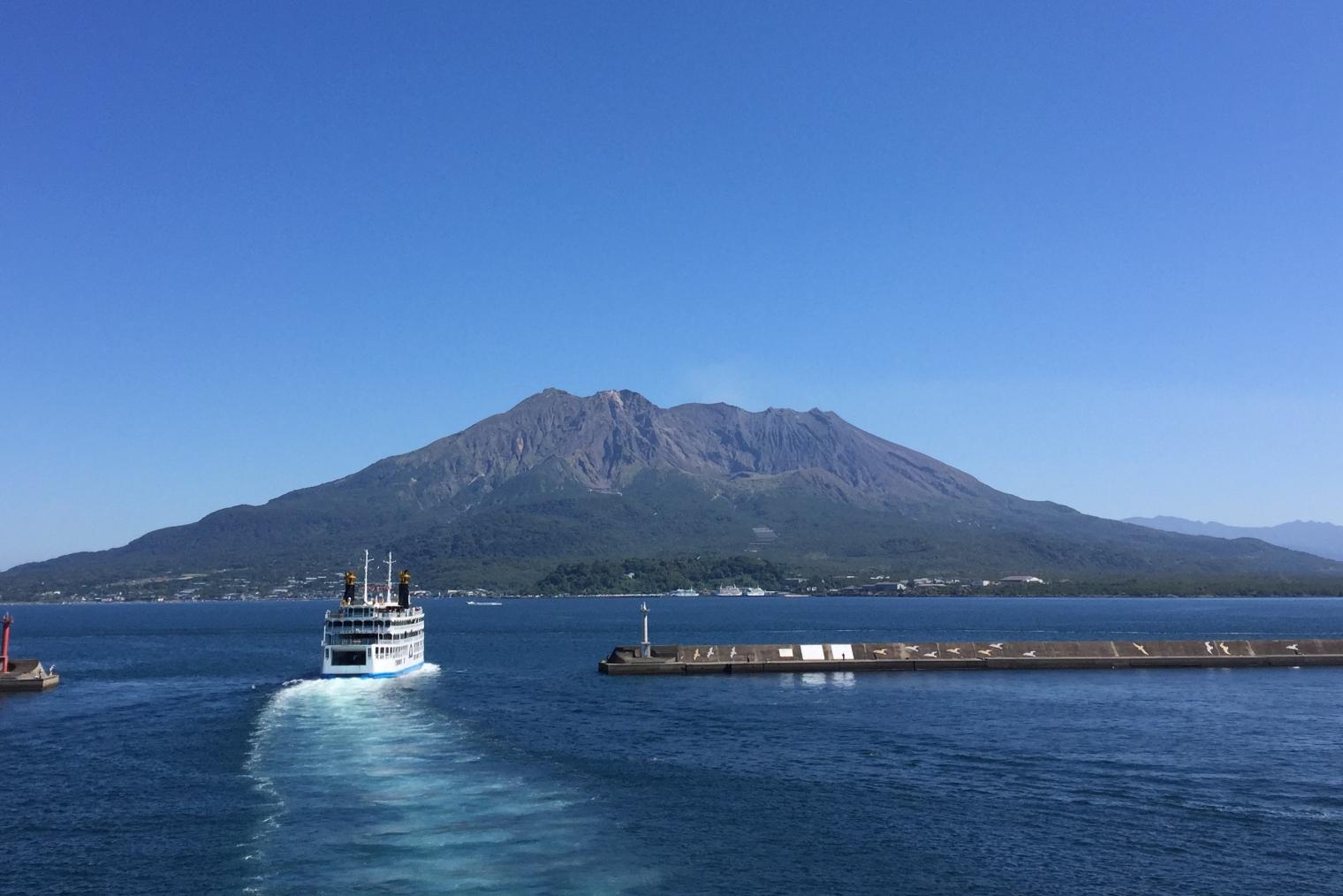
View moreA 24-hour car ferry connecting Kagoshima Port and Sakurajima Port in approximately 15 minutes.
Column
The CUTE pass also includes a discount passport for tourist attractions!
With discounts at over 10 major sightseeing spots, including Kagoshima City Aquarium, the CUTE pass makes sightseeing in Kagoshima even more affordable.
With just one CUTE pass, you can create a well-rounded sightseeing plan!
(Note: Discounts cannot be combined with other offers.)
First, Download the "Waku Waku" Kagoshima Fan App!
To purchase the CUTE digital ticket, you need to download the "Waku Waku" Kagoshima Fan App and complete member registration.
"Waku Waku" provides useful tourism information and allows you to earn points while shopping during your trip.
Important Notes for Purchasing Tickets
-No changes or refunds after purchase are possible.
-To use the ticket, display it under "In use" in the footer menu and show it to the driver when getting off.
(Note: For Sakurajima Ferry, show it to the crew at the Sakurajima Port side.)
-An Internet connection is required when presenting the ticket to a crew member.
-Fraudulent use will result in your ticket being invalidated and collected, after which you will be required to pay the regular fare and an additional charge of the same amount
Column
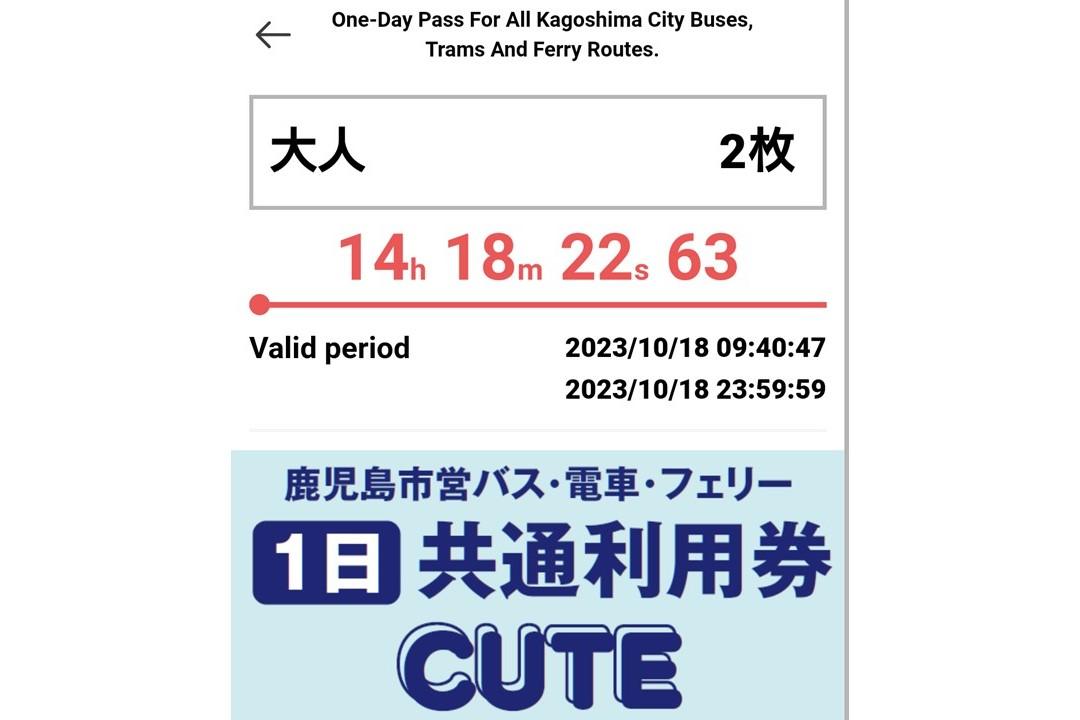
Show this screen to the driver/crew member!
Show the screen with the "In use" countdown to the driver/crew member.
How to Purchase and Use the CUTE Digital Ticket
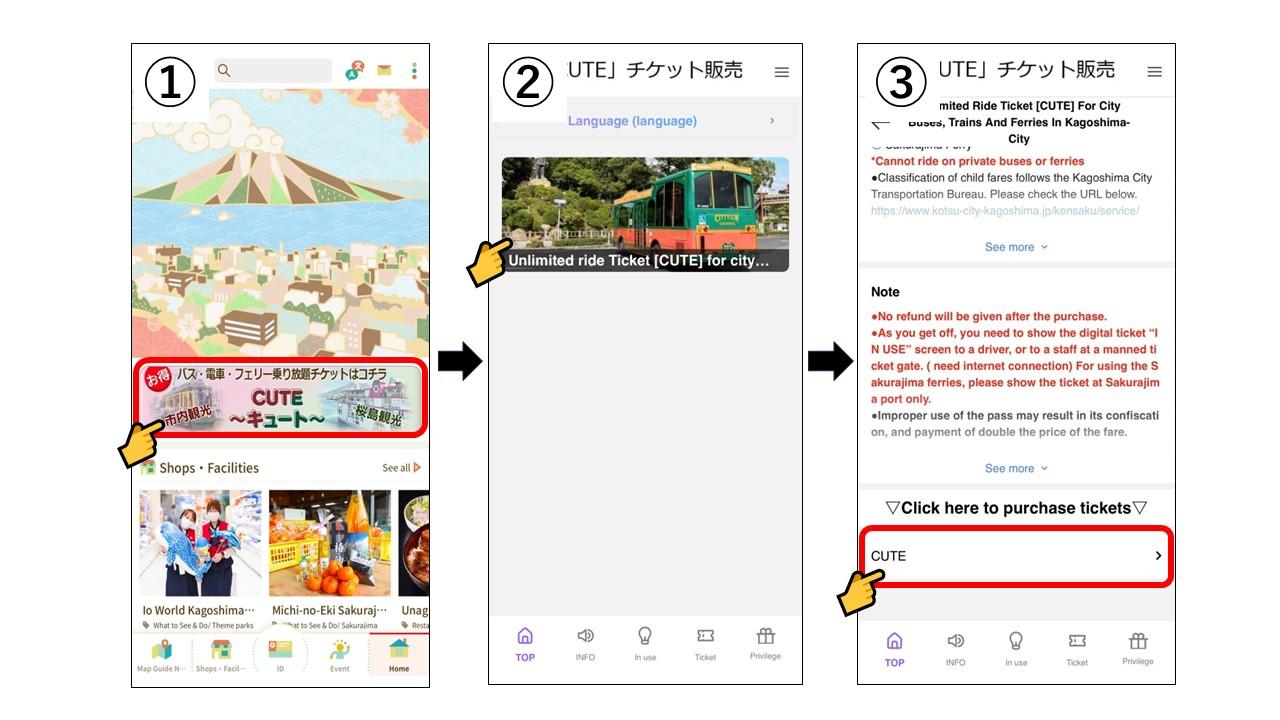
1. Tap here on the home screen.
2. Tap here.
3. Scroll down and tap "CUTE".
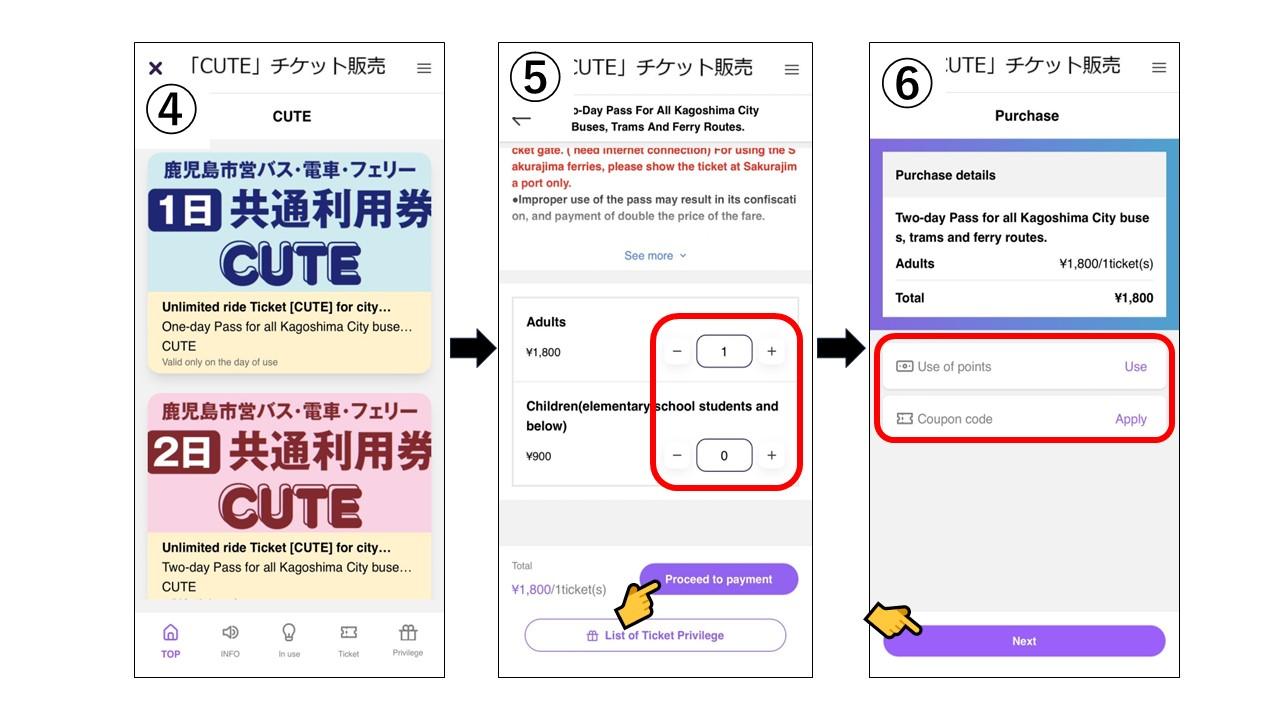
4. Tap and select either a 1-day pass or a 2-day pass.
5. Enter the desired number of tickets and then proceed to payment.
6. If using points or coupons, tap the red frame, enter the details, and proceed to the next step.
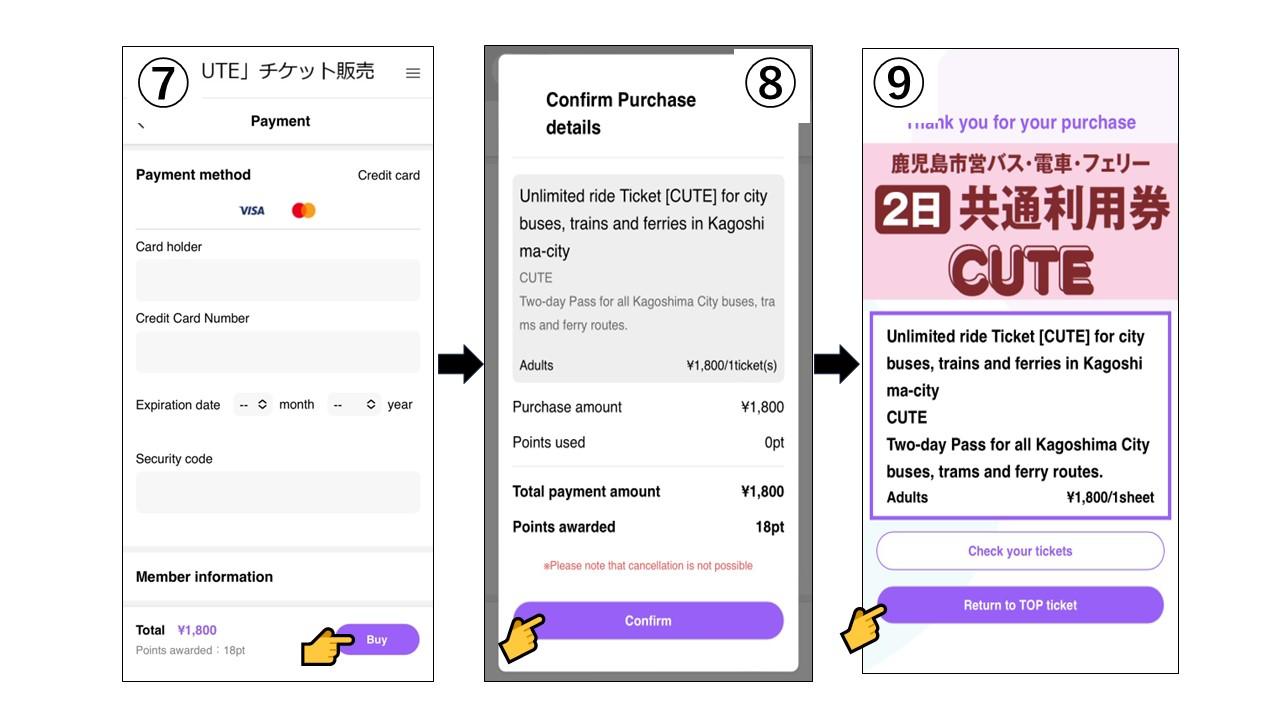
7. Enter the payment method. (Note: Payment is by credit card only.)
8. Review the purchase details and confirm if everything is correct.
9. The ticket purchase is now complete! Next, proceed with the usage process.
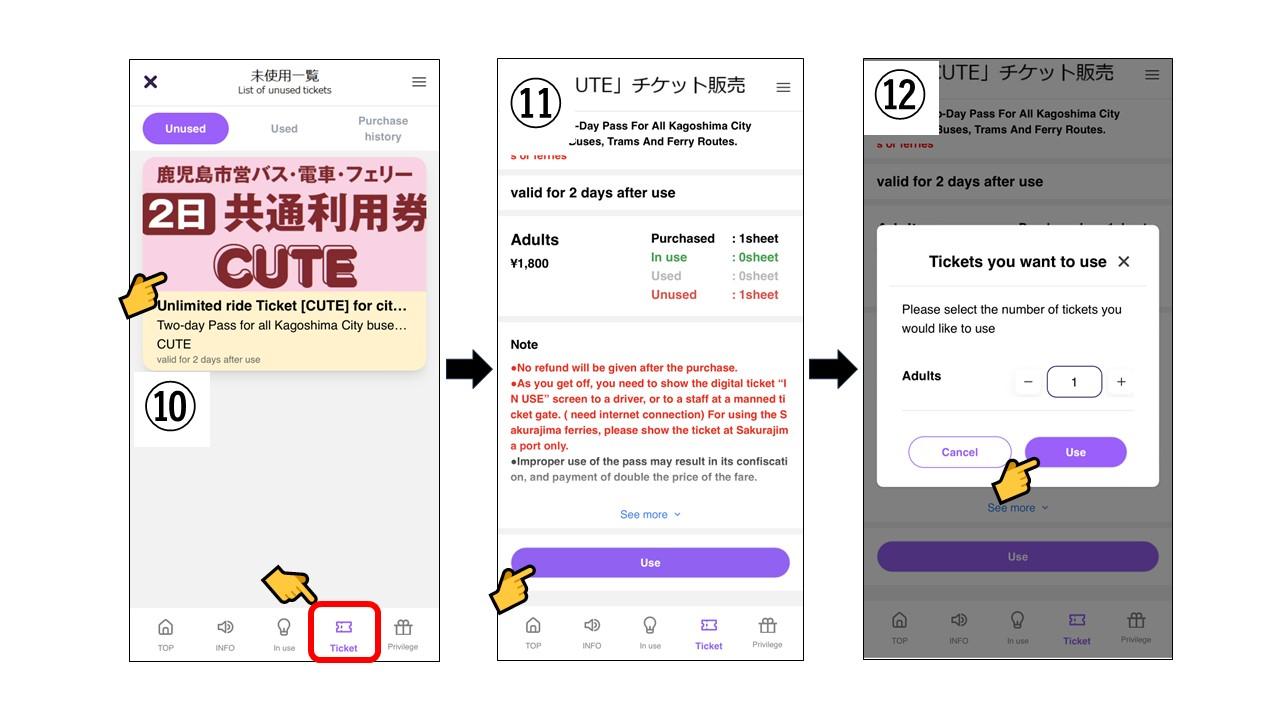
10. Tap the purchased ticket from the "Tickets" section in the red frame (it will be listed under "Unused").
11. Review the details and tap "Use".
12. Enter the number of tickets to use and tap "Use" again.
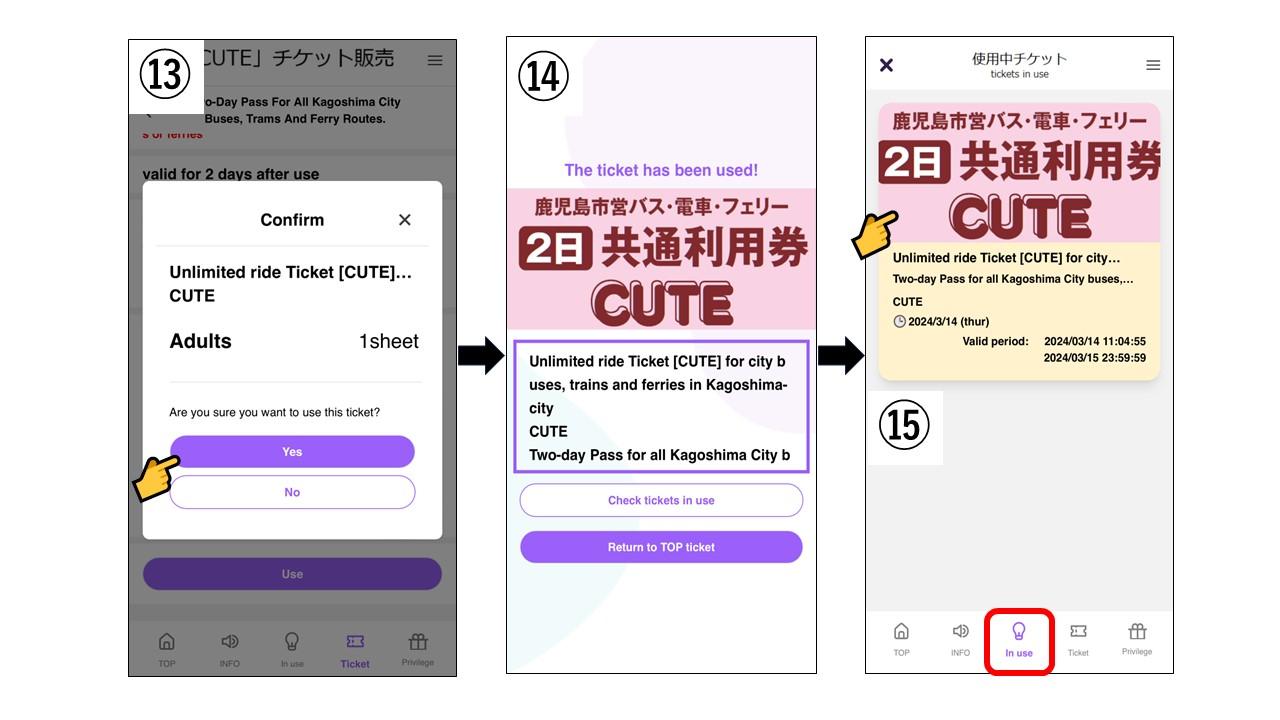
13. Review the details and tap "Yes" if everything is correct. (Note: This step must be done on the day you will use the ticket.)
14. The activation process is now complete! Next, proceed with the steps for using the ticket.
15. Tap the active ticket from the "In use" section in the red frame.
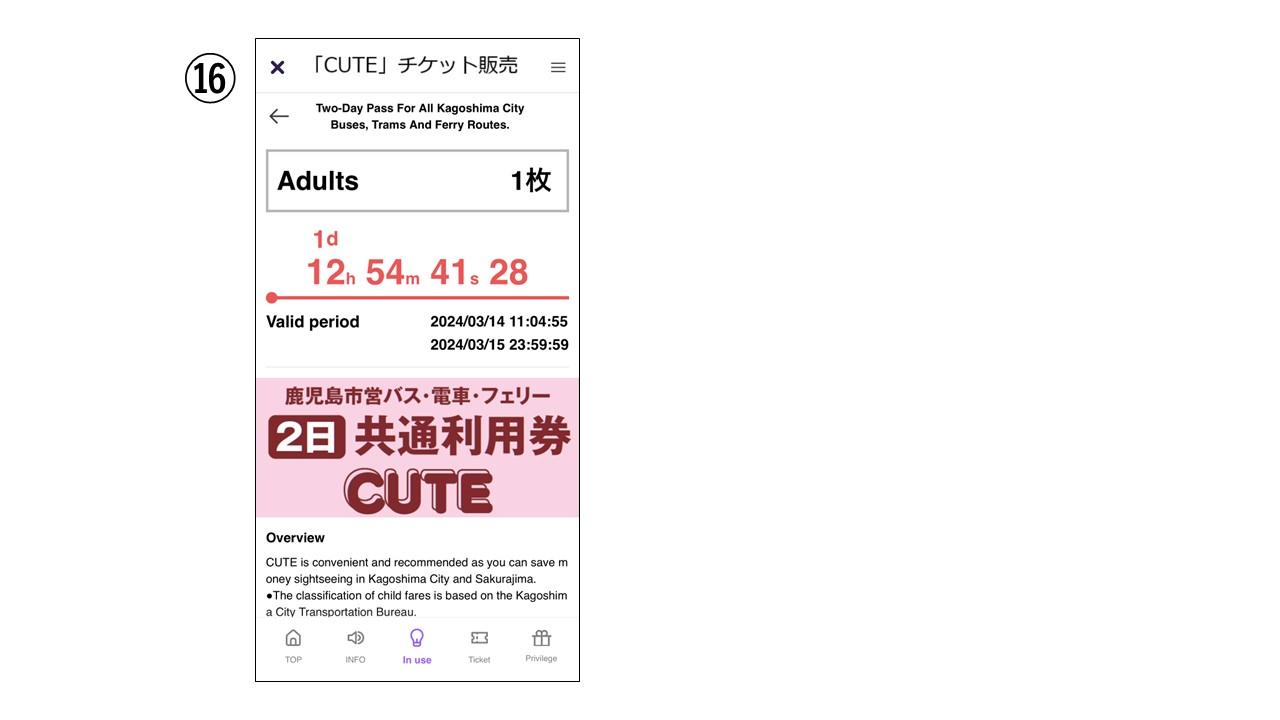
16. This is the "In use" screen, which you will show to drivers/crew.
This concludes the instructions for using the CUTE digital ticket.
(Note: When purchasing a CUTE digital ticket, points will be awarded in the "Waku Waku" app. These points can be used at participating "Waku Waku" stores. Please note that the points will expire at the end of December of the following year after they are acquired.)
How to Use the Sightseeing Facility Discount Passport (Included with CUTE Purchase)
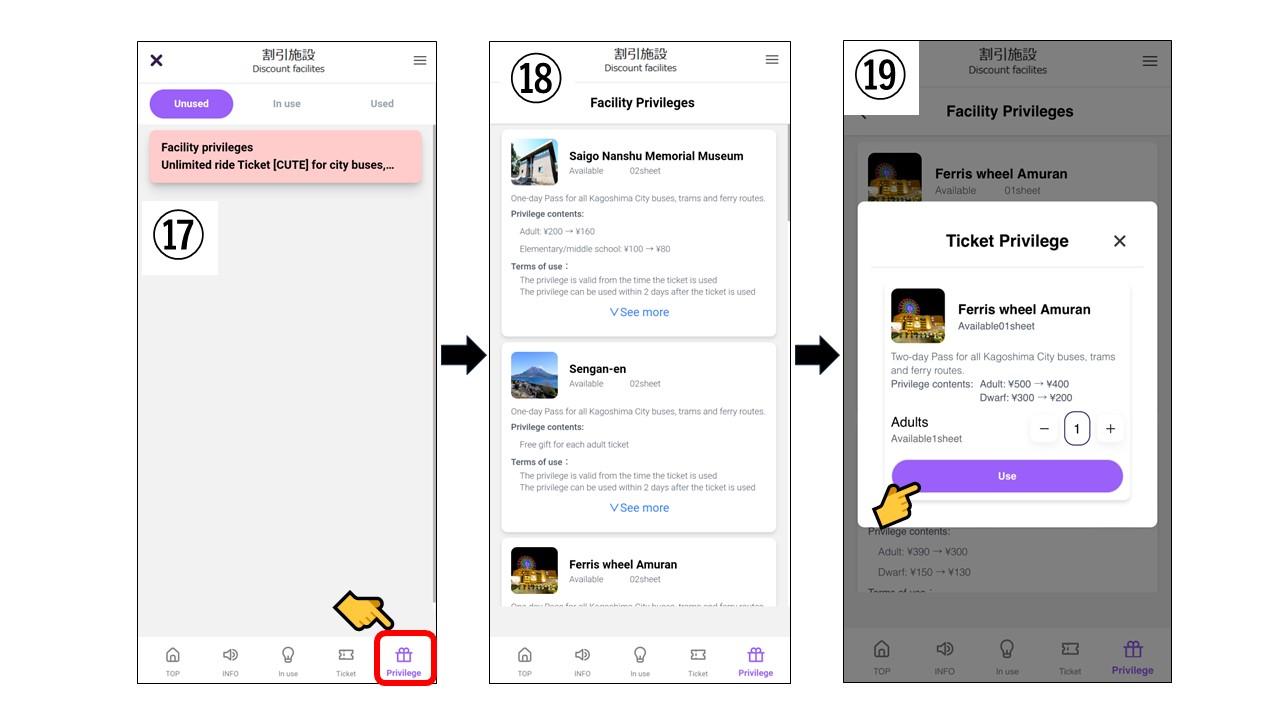
Next, check the Sightseeing Facility Discount Passport (Included with CUTE Purchase)
17. Tap "Privilege" in the red frame and select a discount facility.
18. A list of eligible facilities will appear. Tap on the one you want to use.
19. Enter the number of tickets and tap "Use".
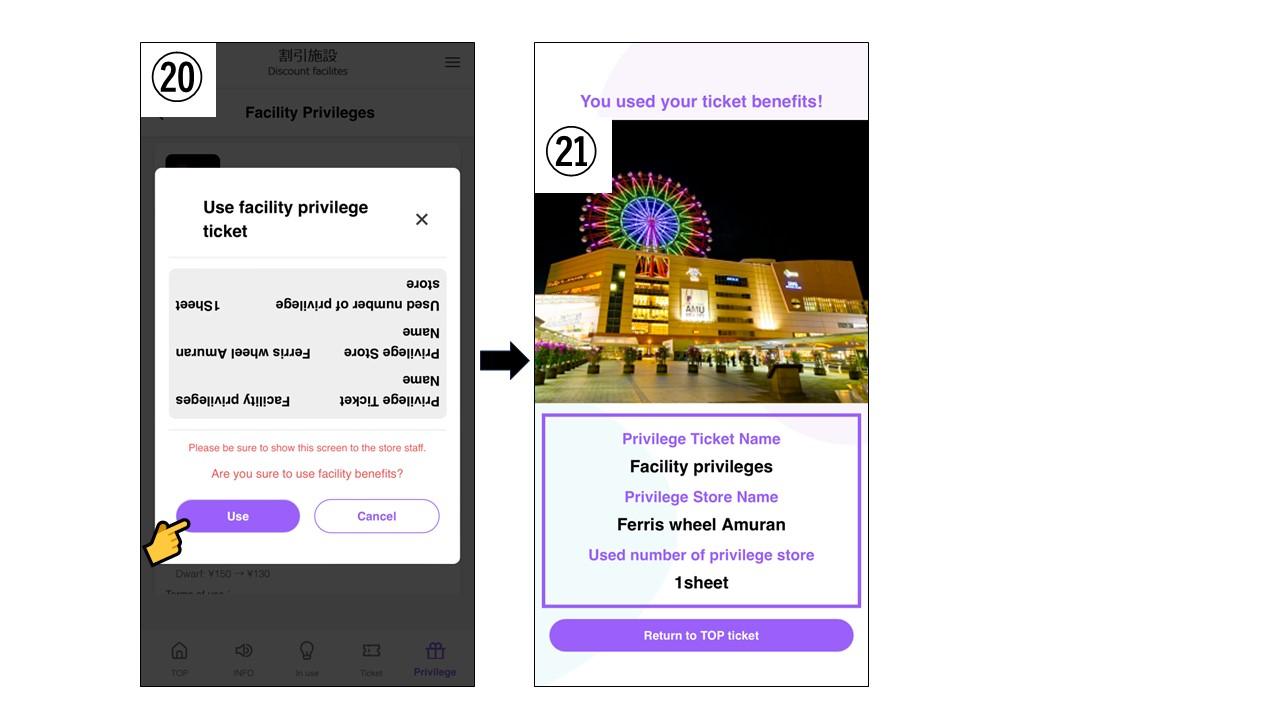
20. Review the details, show the screen to the facility staff, and tap "Use".
21. The discount passport privilege is now applied!
Frequently Asked Questions (FAQ)
[Ticket Not Displaying]
Q. A "The system is currently busy. Please try again later" message is being displayed.
A. Restart the app and try accessing the ticket again.
(This may occur due to network congestion, device load, or poor connection conditions.)
Q. A "Server error" message is being displayed.
A. Wait for a while and then try purchasing again.
(Payment may fail due to network issues or device conditions.)
[Credit Card Payment Errors]
Q. A "An error occurred during payment" message is being displayed.
A. Re-enter your credit card information and try the payment process again.
(This may be due to using a credit card other than VISA/Mastercard or entering incorrect card details.)
[Errors When Using Privileges]
Q. A "This privilege can only be used after activating the ticket" message is being displayed.
A. Privileges can only be used after using/activating your ticket.
Q. The in use/active ticket does not appear.
A. Tap "In use" in the footer menu to display your active ticket.
[Contact Information]
(Weekdays)
Kagoshima Convention & Visitors Bureau (8:45–17:30)
TEL: 099-286-4700
[Inquiry Form Here]
(Weekends & Holidays)
Tourism Exchange Center (9:00–18:00)
TEL: 099-298-5111
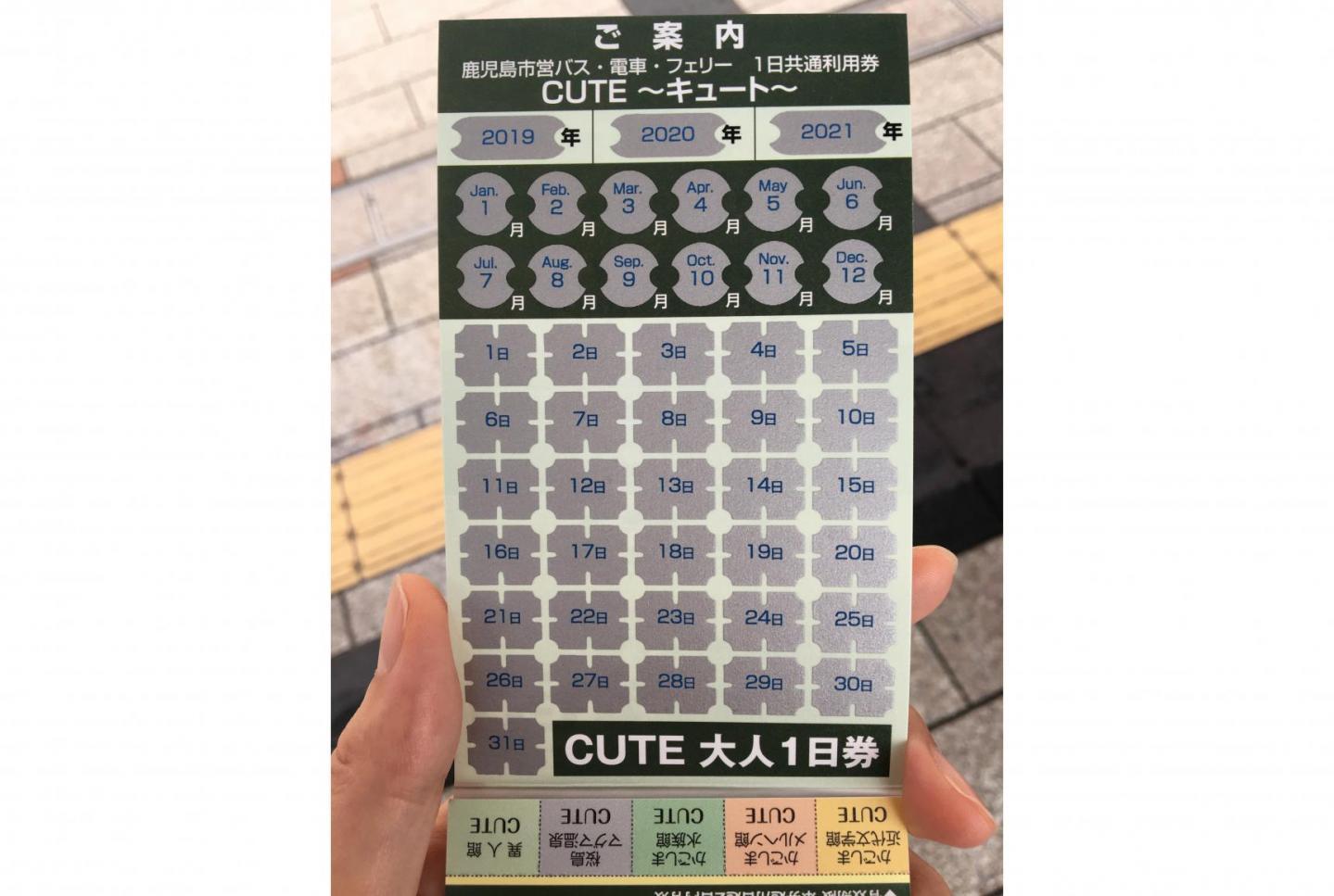
Paper CUTE tickets can also be purchased at Tourist Information Centers!
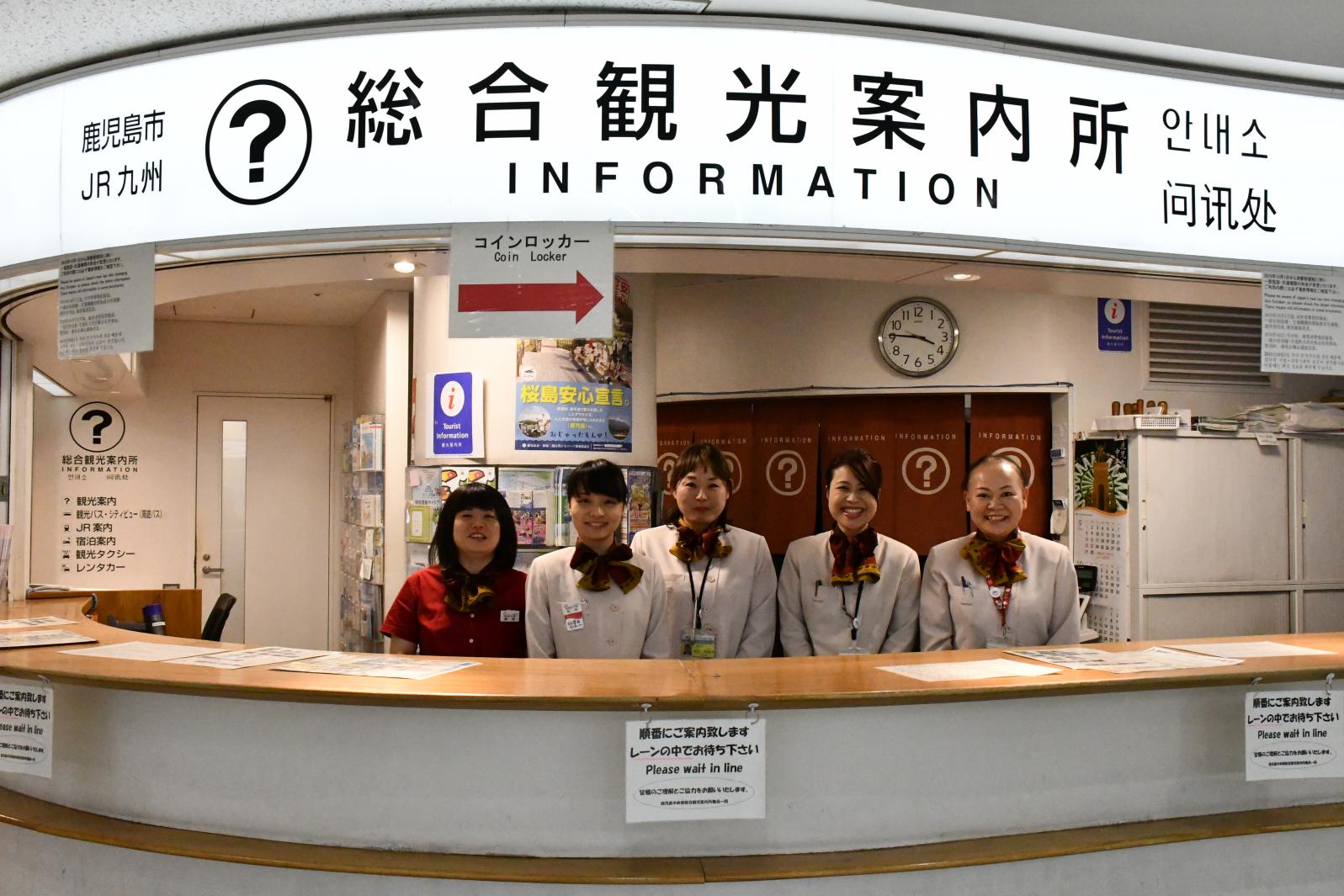
Tourist information centers provide various maps and pamphlets to support tourists.
Knowledgeable staff with in-depth local expertise are available to assist you, so feel free to stop by.
Paper CUTE tickets are available for purchase at the following locations:
Kagoshima-Chuo Station Tourist Information Center (099-253-2500)
Tourist Information Center, Kagoshima-Chuo Station East Exit Station Square
Tourism Exchange Center (099-298-5111)
Museum of the Meiji Restoration (099-239-7700)
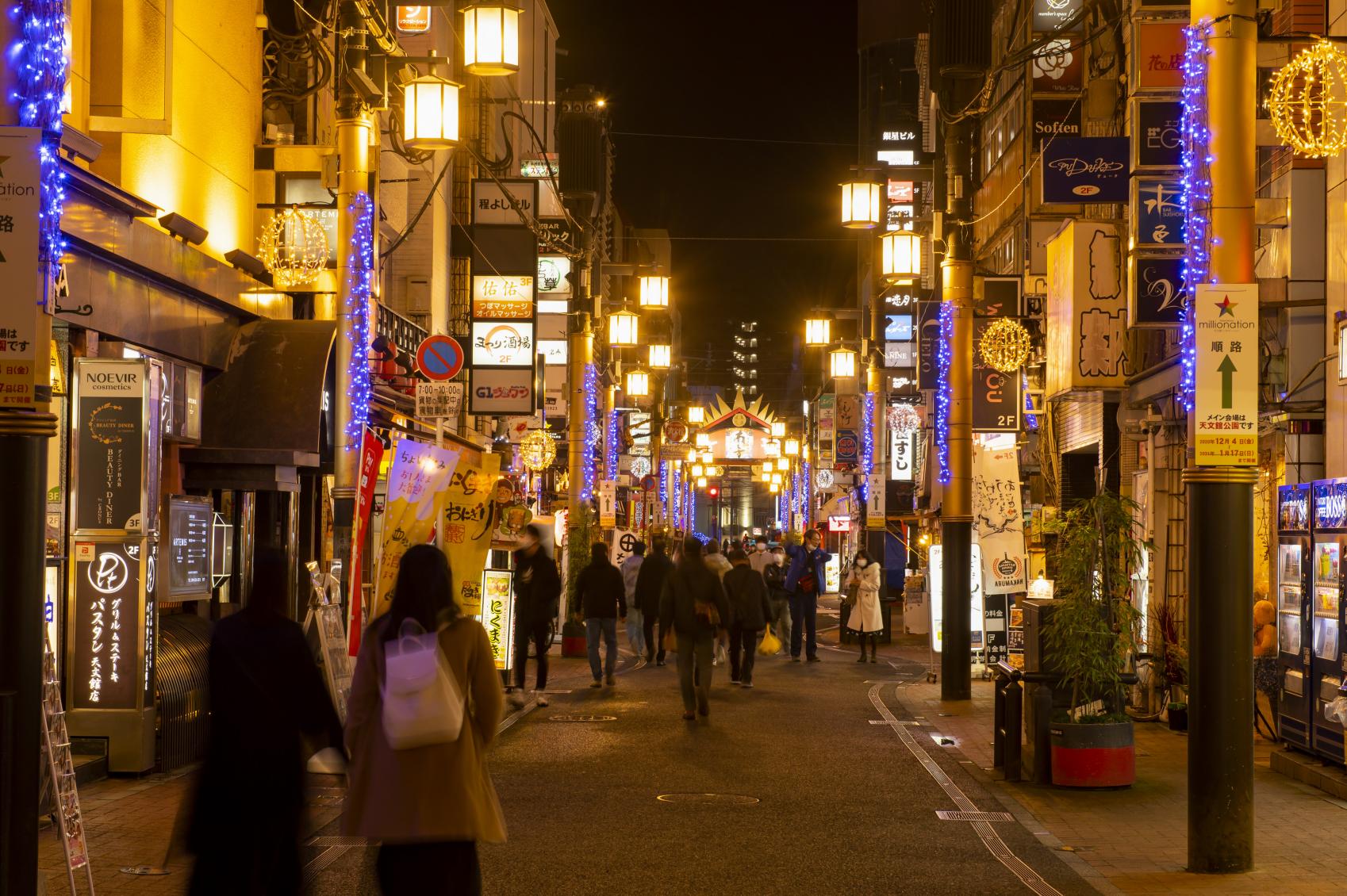
Kagoshima City Tourist Information Center (Tenmonkan) (099-813-7604)
Sakurajima Tourist Information Center (Sakurajima Concierge Center) (099-293-4333)
Kagoshima Port Ticket Sales Office (099-223-7271)
Sakurajima Port Ship Department Sales Office (099-293-2525)
Transportation Bureau Ticket Sales Office (099-257-2101)
Shiyakusho-mae Ticket Sales Office (099-239-8892)
Kagoshima Machiaruki Tourist Information Station (099-208-4701)
Kagoshima City Transportation Bureau Sakurajima Sales Office (099-293-4220)
Using the "Waku Waku" app makes sightseeing in the city even more convenient and economical!
"Waku Waku," the official Kagoshima City app, is a handy tool designed to enhance your travel experience.
It includes a map feature to fully support your “places to visit” and “experiences to try”. Additionally, you can earn and use points at participating stores, allowing you to enjoy sightseeing with extra savings.
Popular article ranking
-
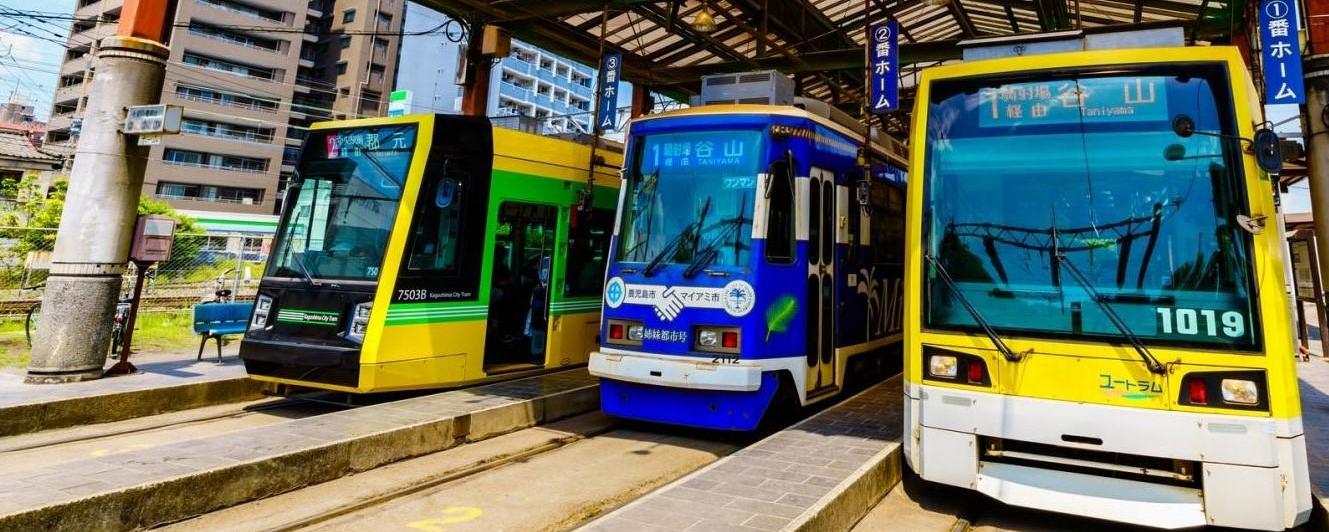
Save money by getting CUTE, a one-day pass that allows unlimited travel on buses, streetcars and ferries in Kagoshima City and Sakurajima.
-
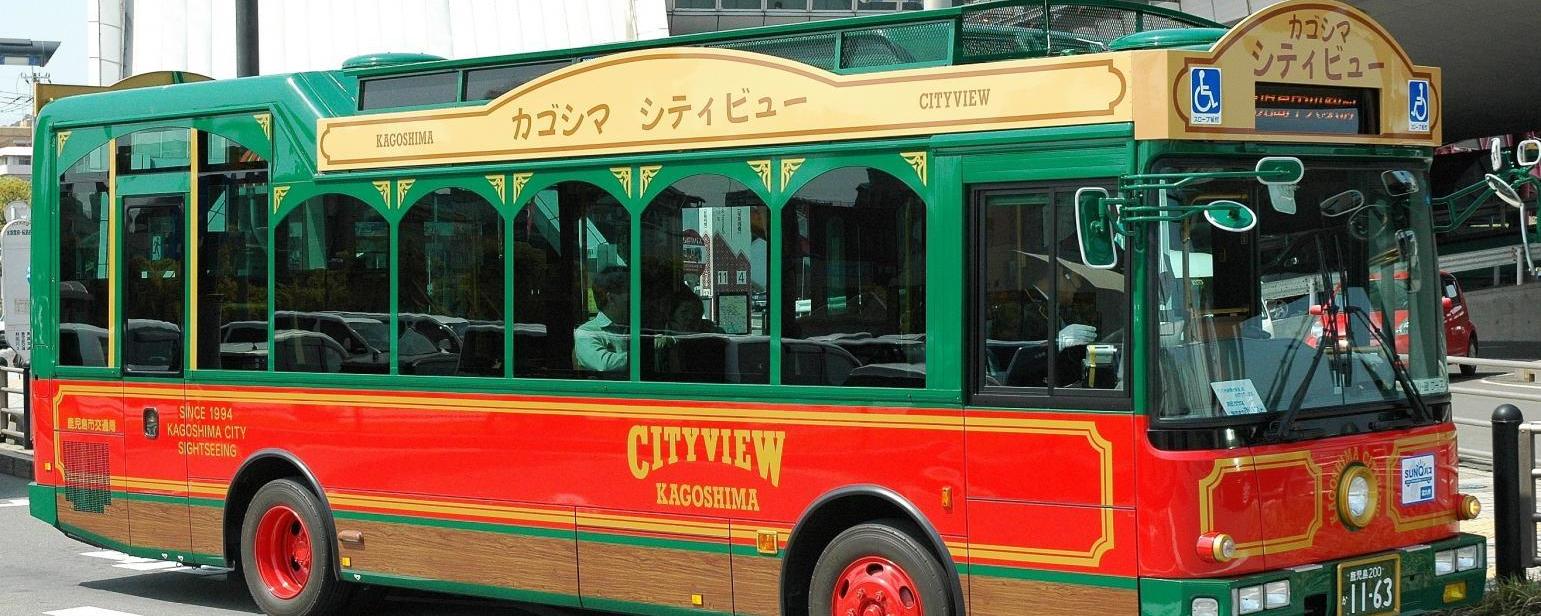
The hop-on hop-off Kagoshima City View bus is useful for visiting popular tourist attractions efficiently.
-
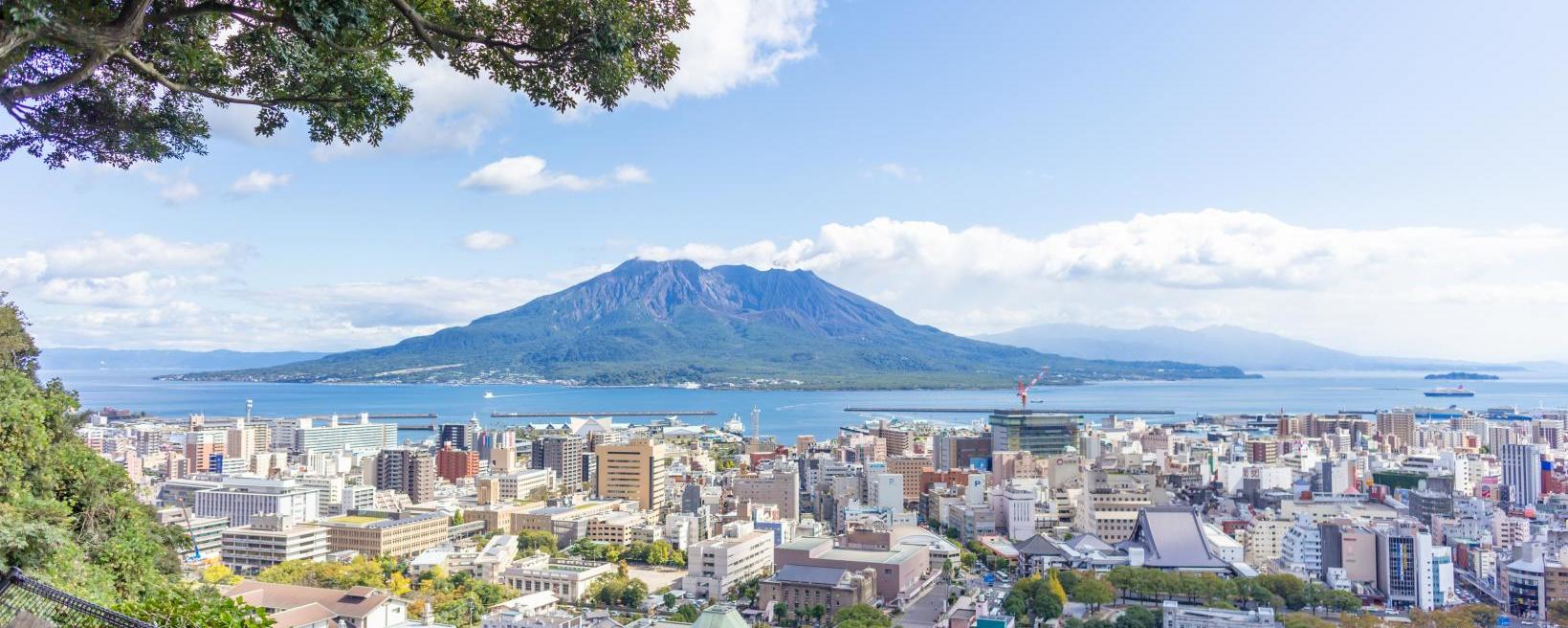
Set your foot on the ground of Sakurajima to discover more about the popular Kagoshima tourist attraction
-
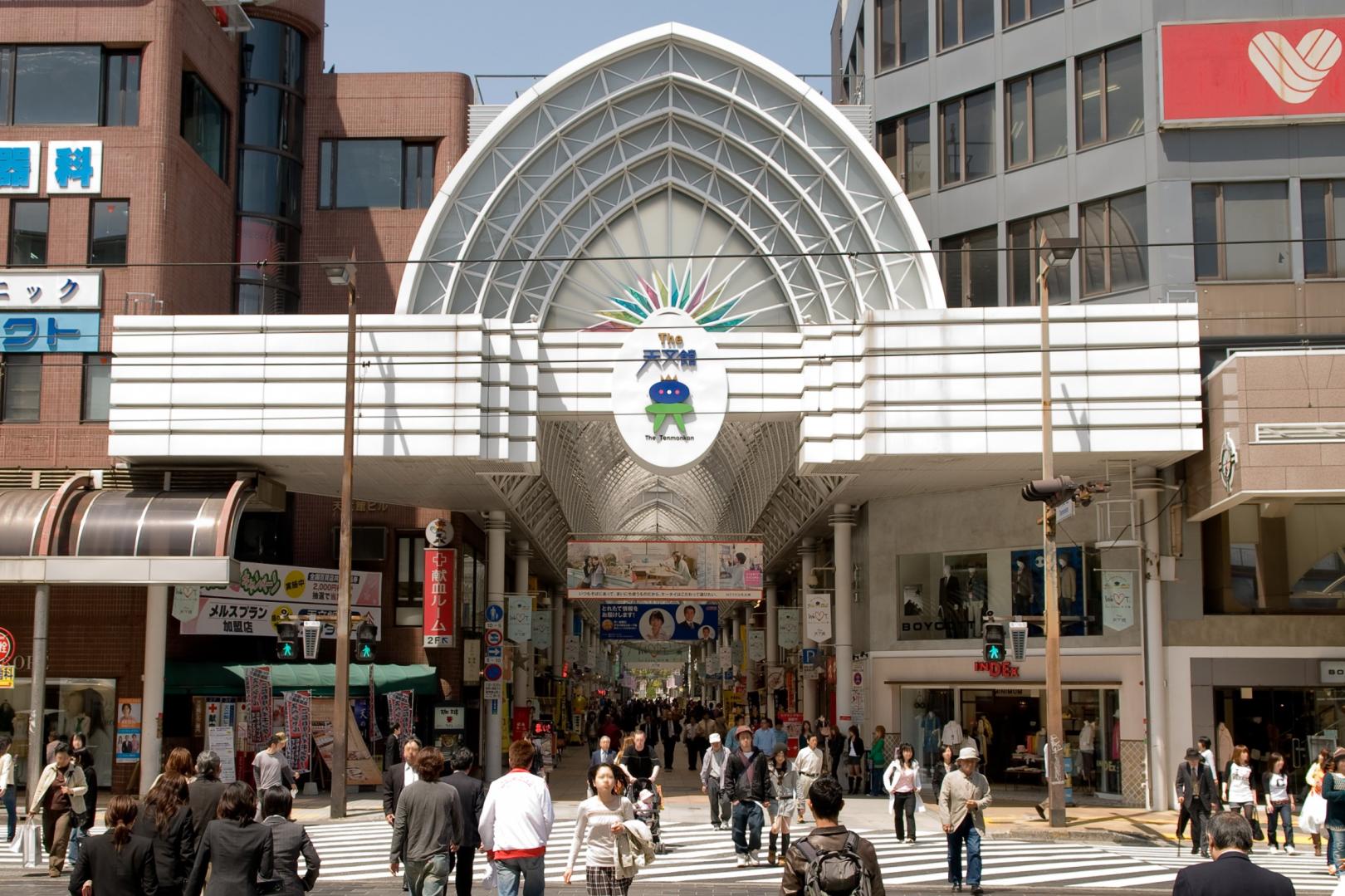
What to buy? Where to shop? An in-depth introduction to the shopping paradise of Tenmonkan!
-
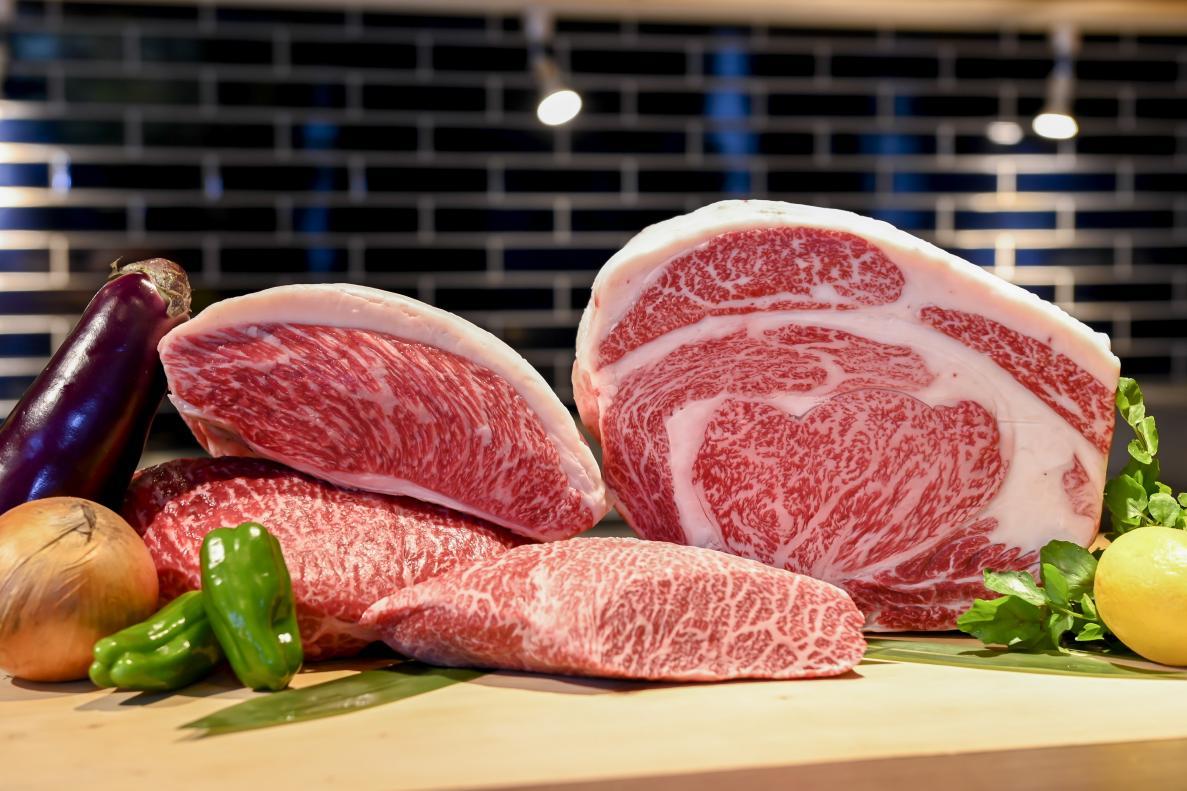
Kagoshima's meats - the best black beef, black pork, and black Satsuma chicken!
People who viewed this page also viewed these pages.
-
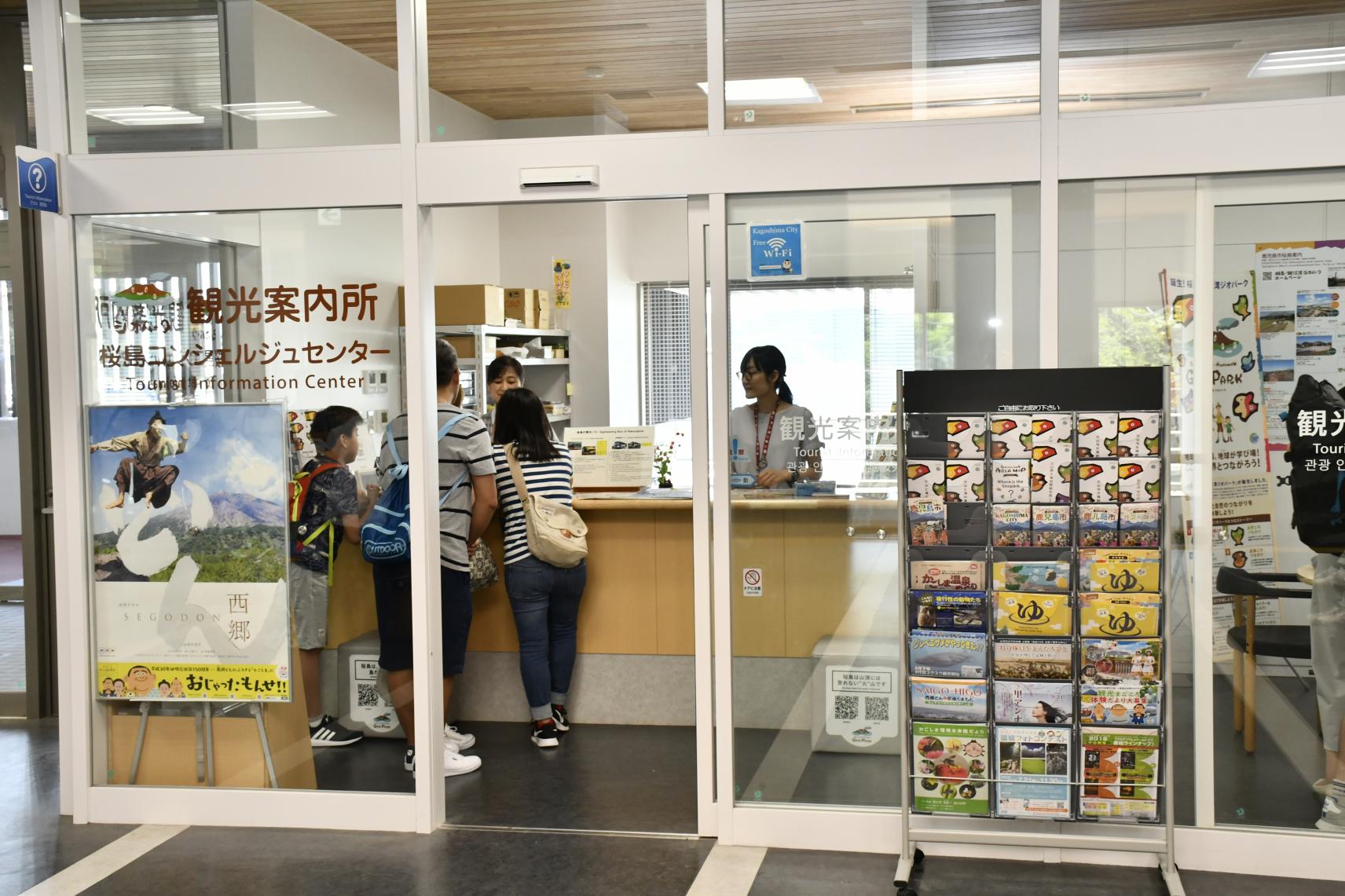
Sakurajima Tourist Information Center (Sakurajima Concierge Center)
-
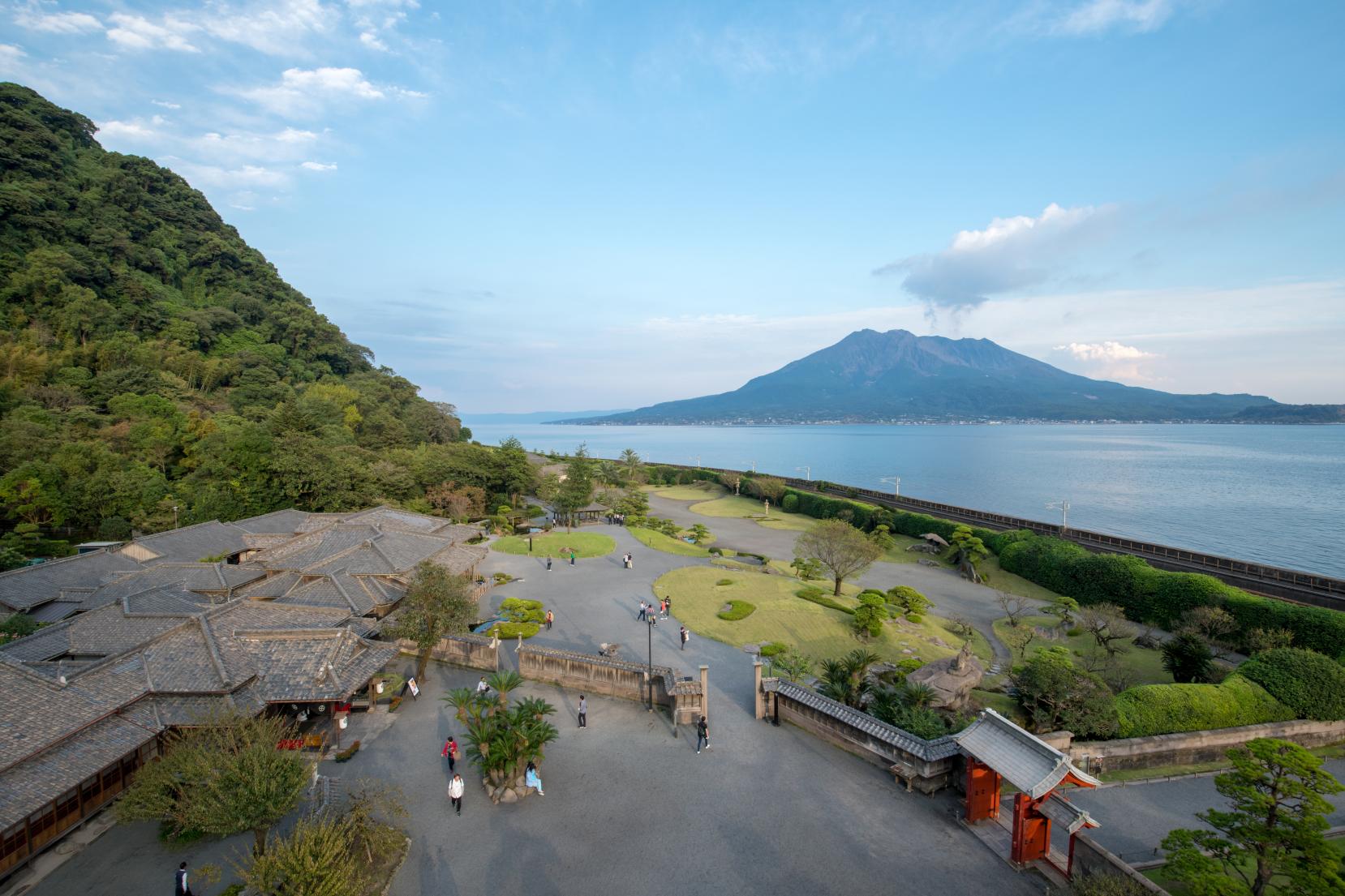
Sengan-en
-
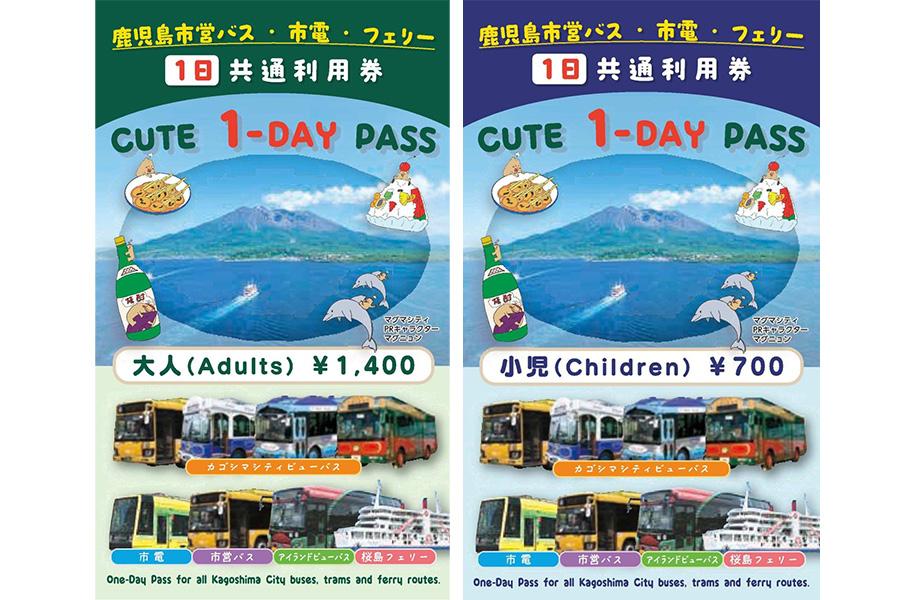
Save on sightseeing with CUTE one-day pass!
-
Information regarding Sakurajima’s volcanic activity
-
Kagoshima Chuo Station Tourist Information Center
-
Tenmonkan
-
Shiroyama Observatory
-
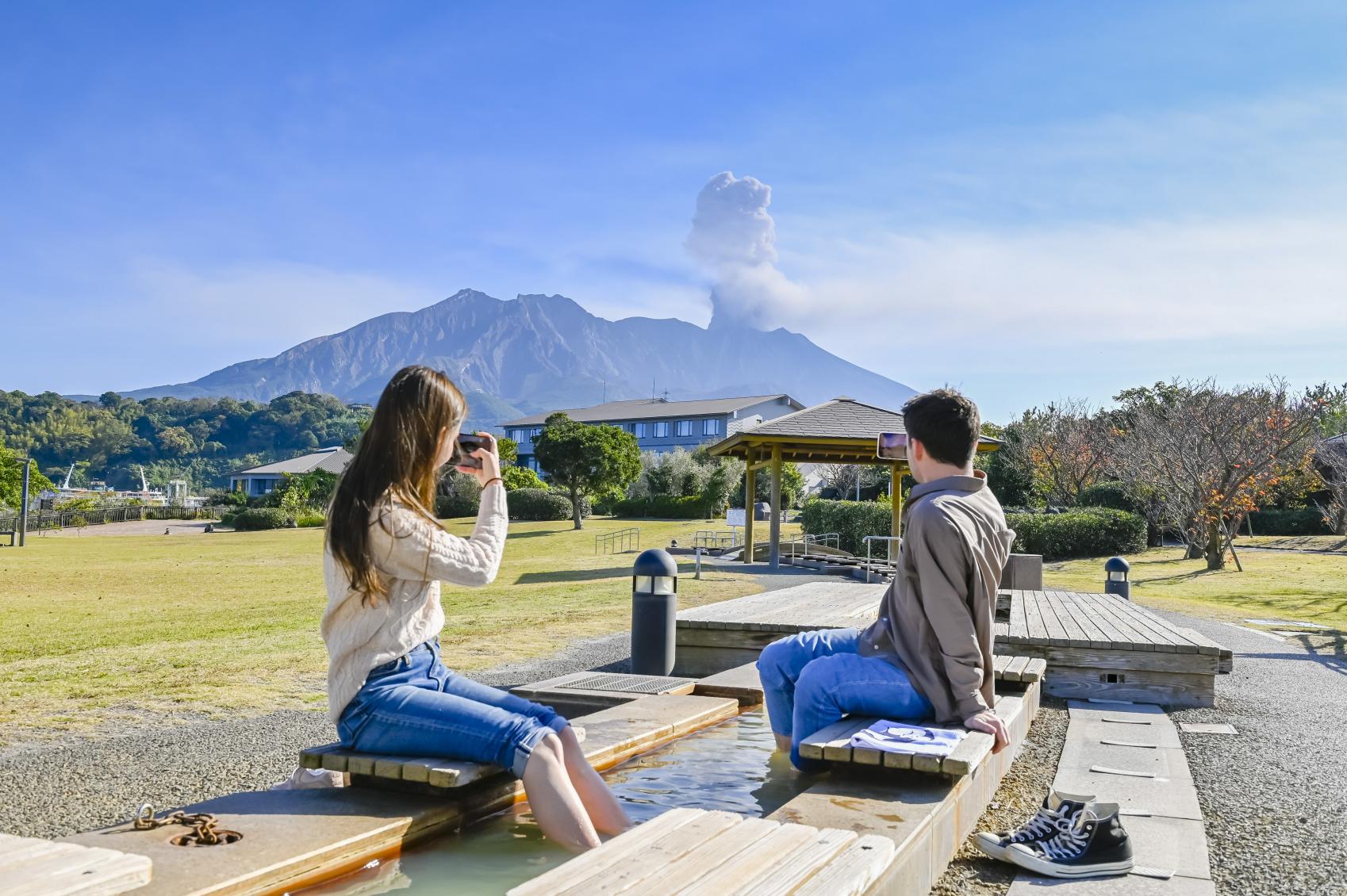
“Sakurajima” Yogan Nagisa Park Footbath
-
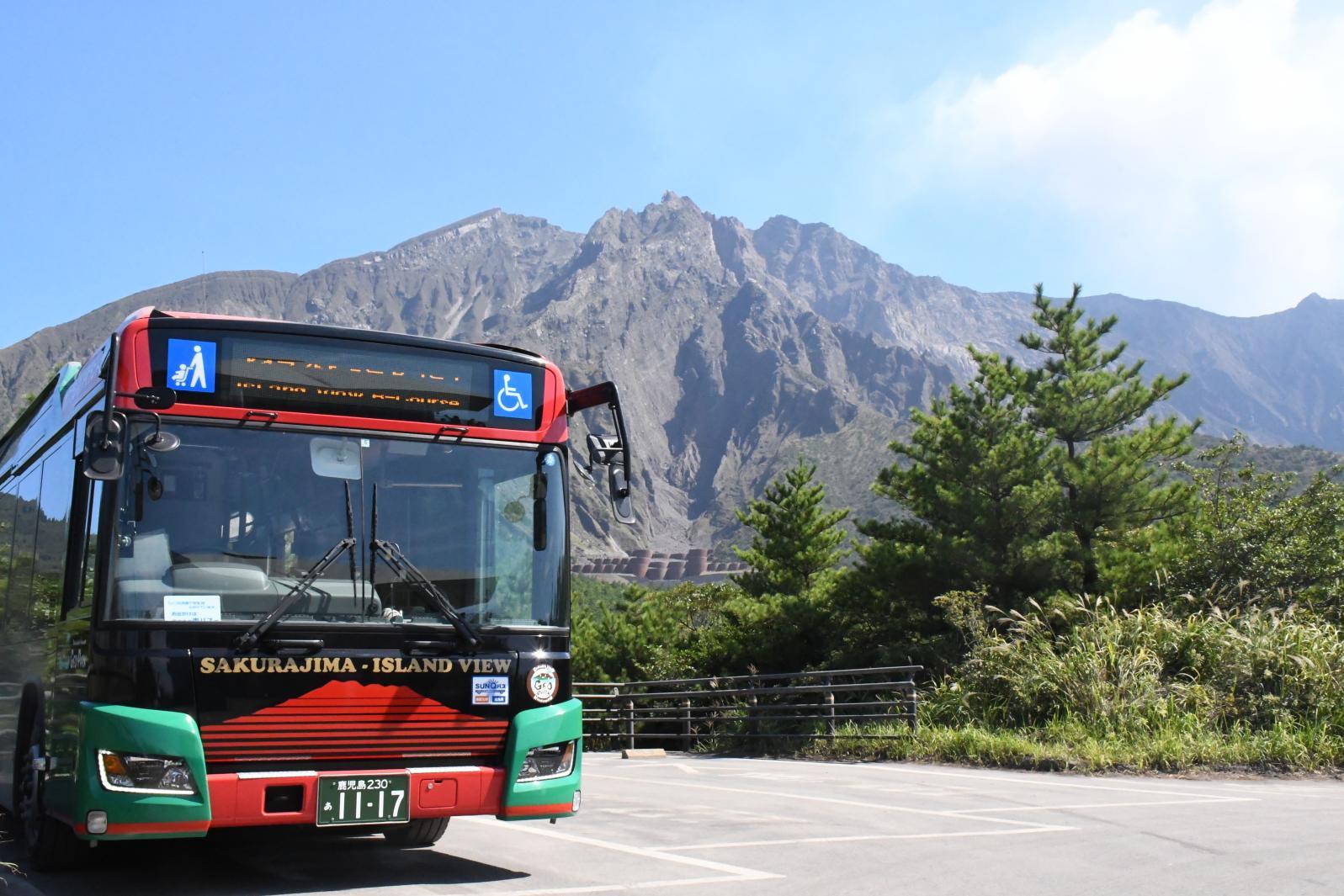
Route taking in all of the best sights of the Sakurajima loop-line bus
-

Sakurajima
-
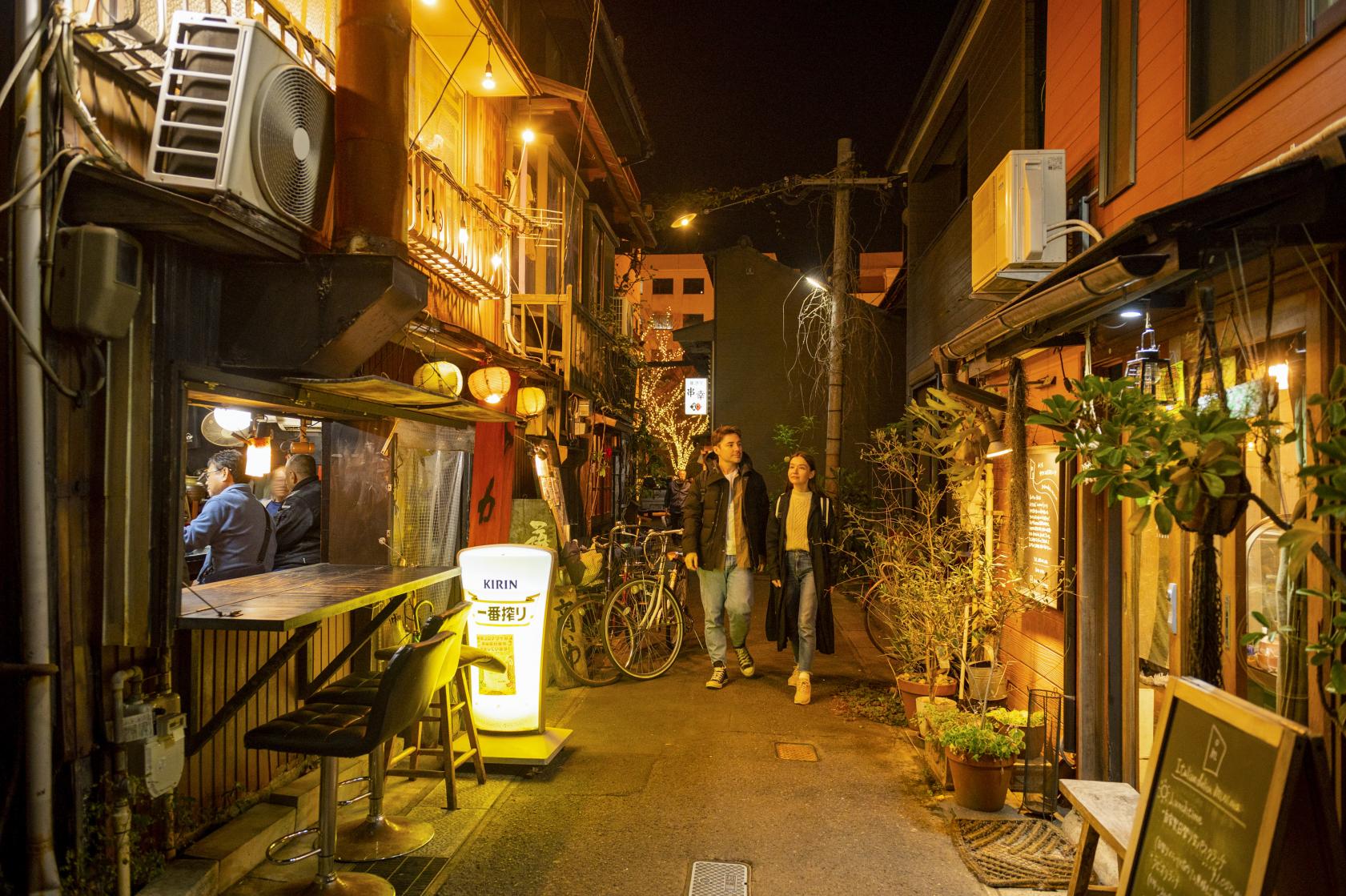
Meizanbori
-
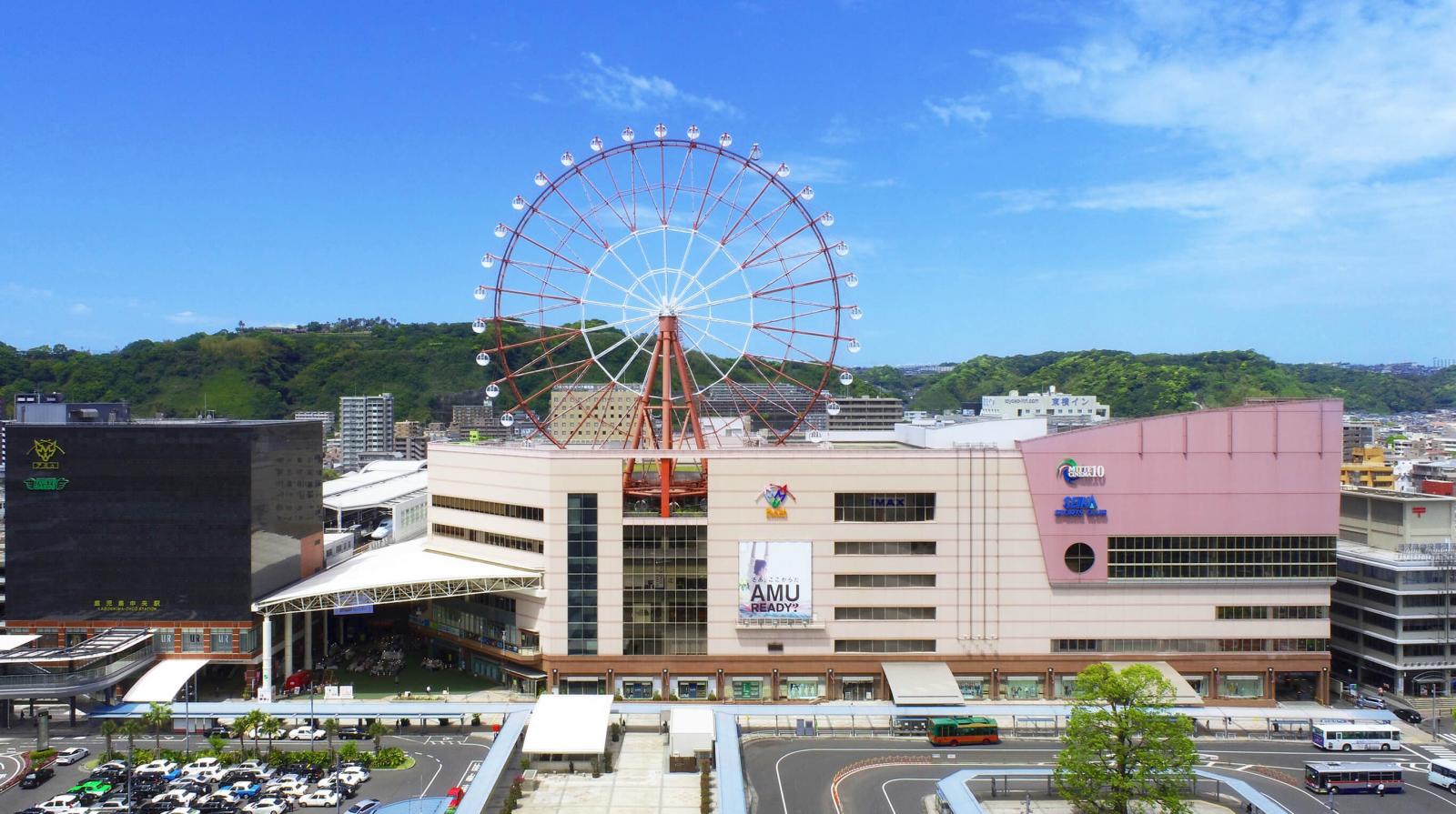
Kagoshima Chuo Station
-
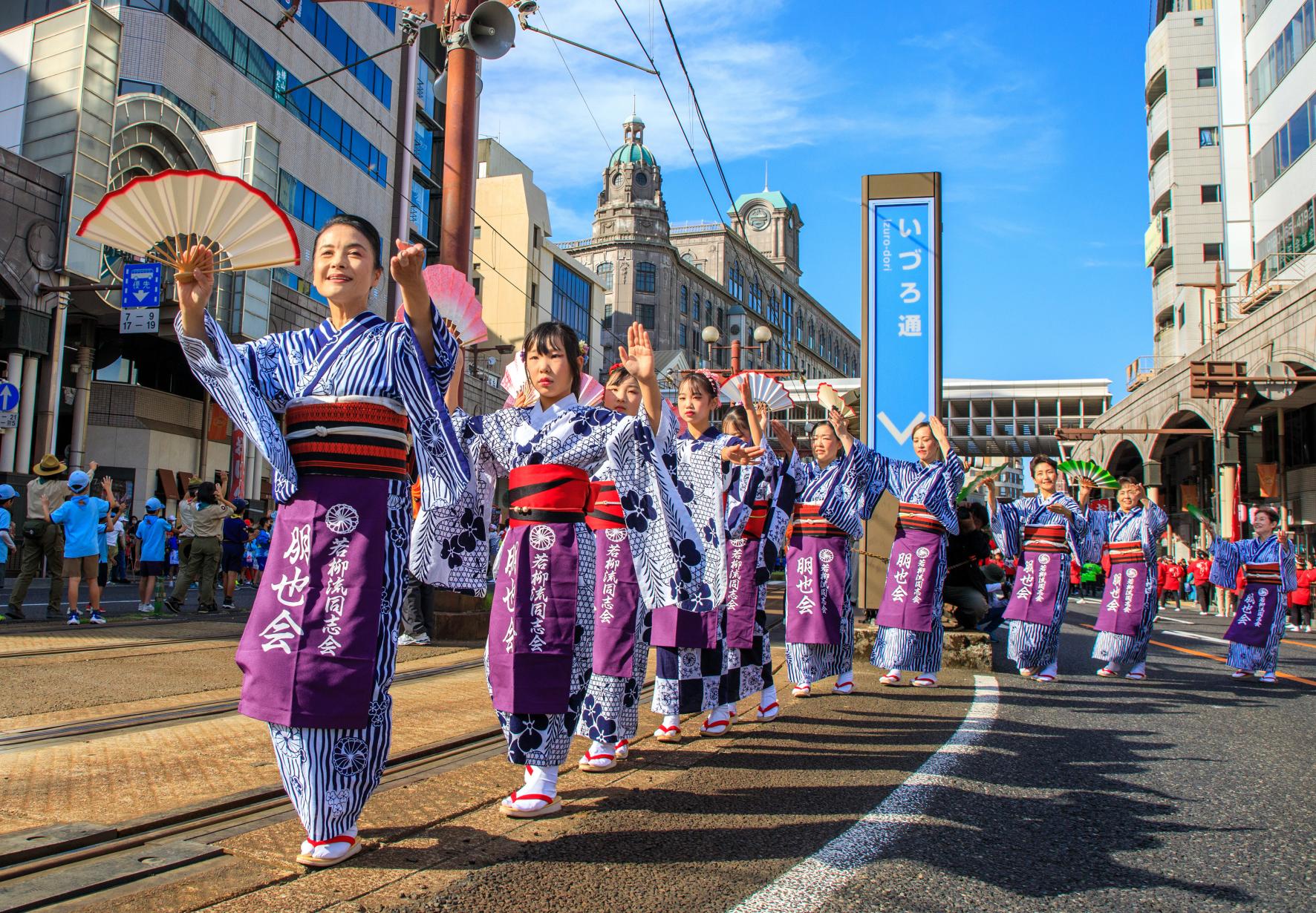
Ohara Festival
-
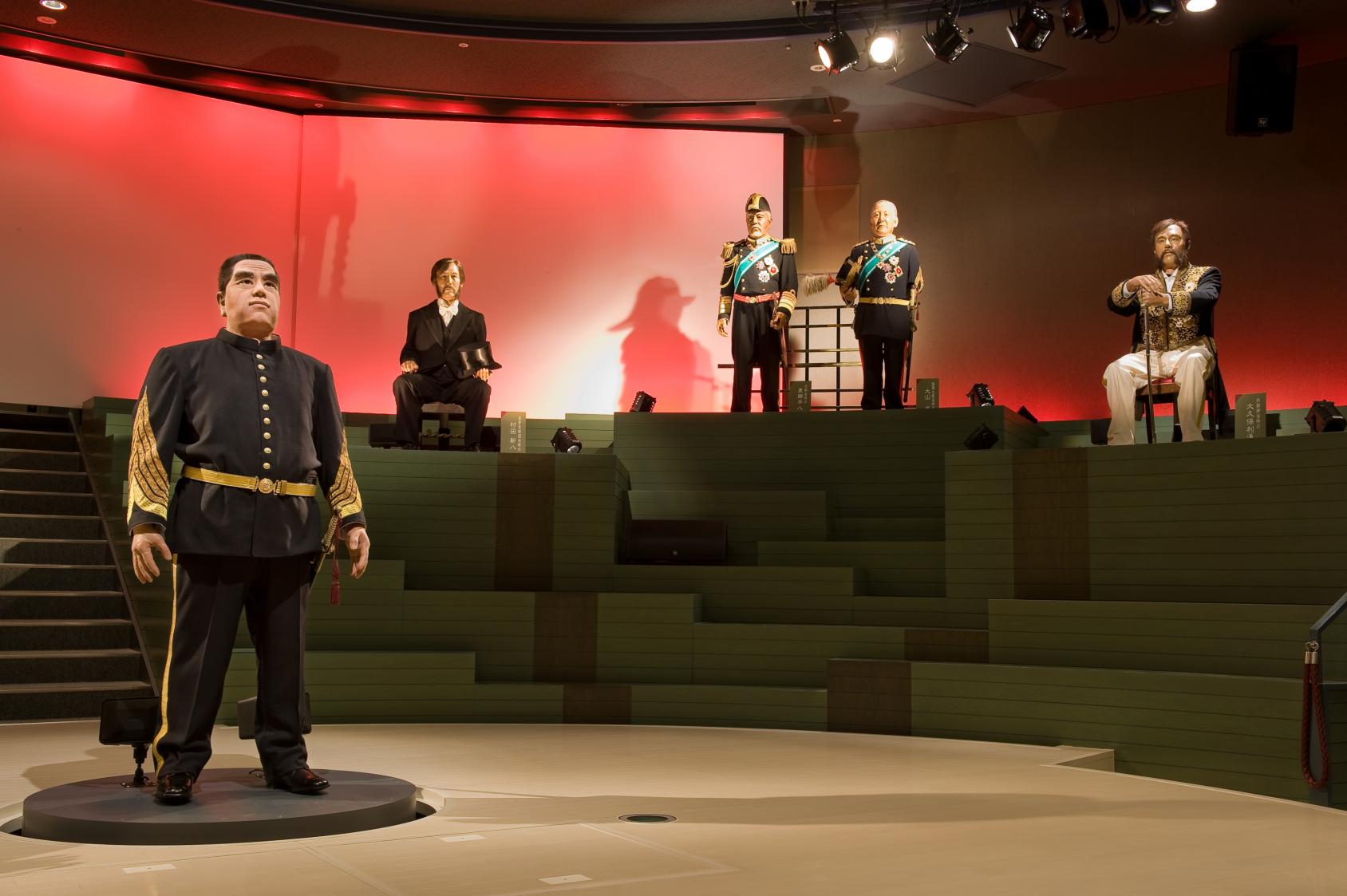
Museum of the Meiji Restoration
-
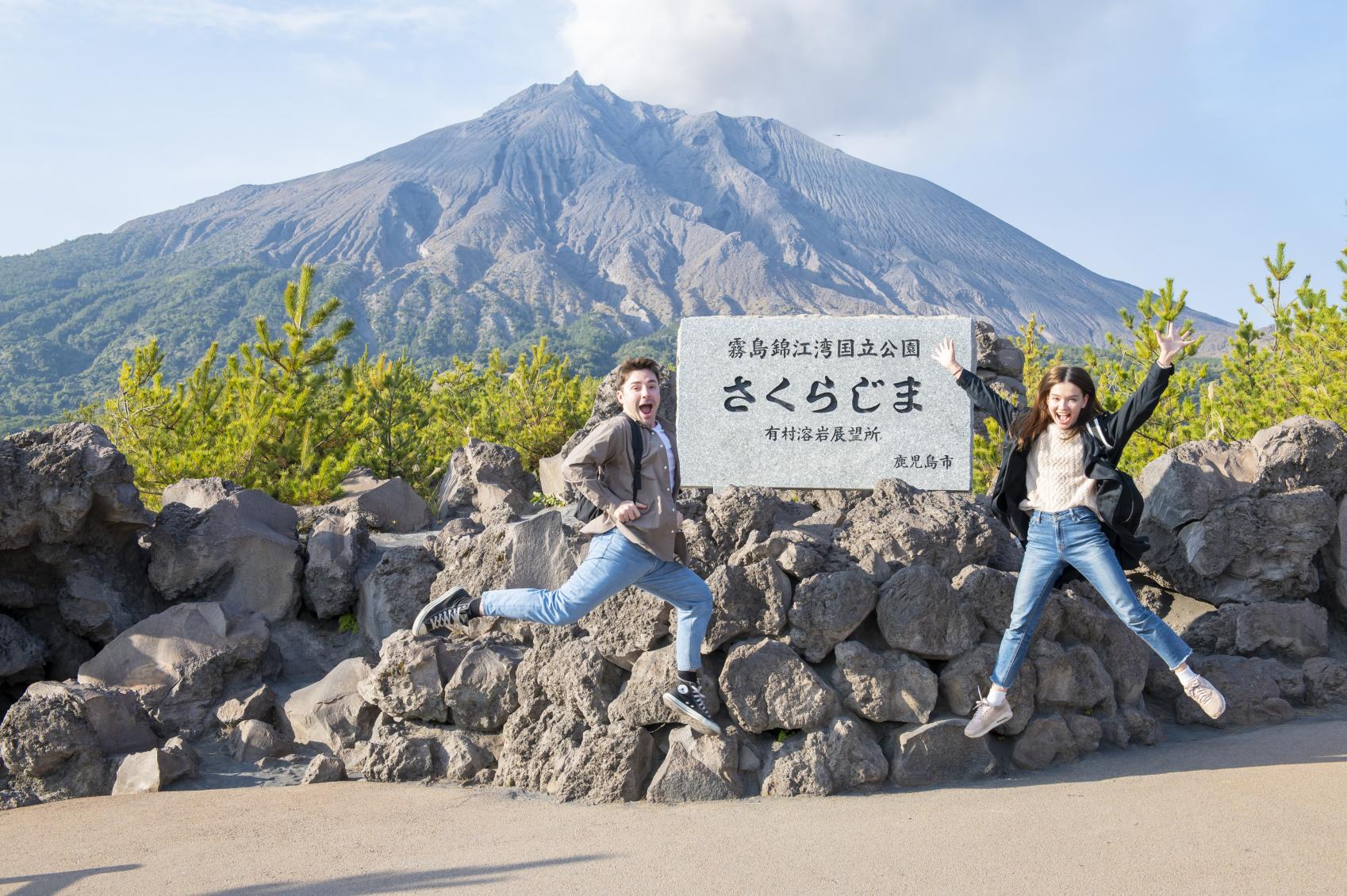
Arimura Lava Observatory
-

Yunohira Observatory
-
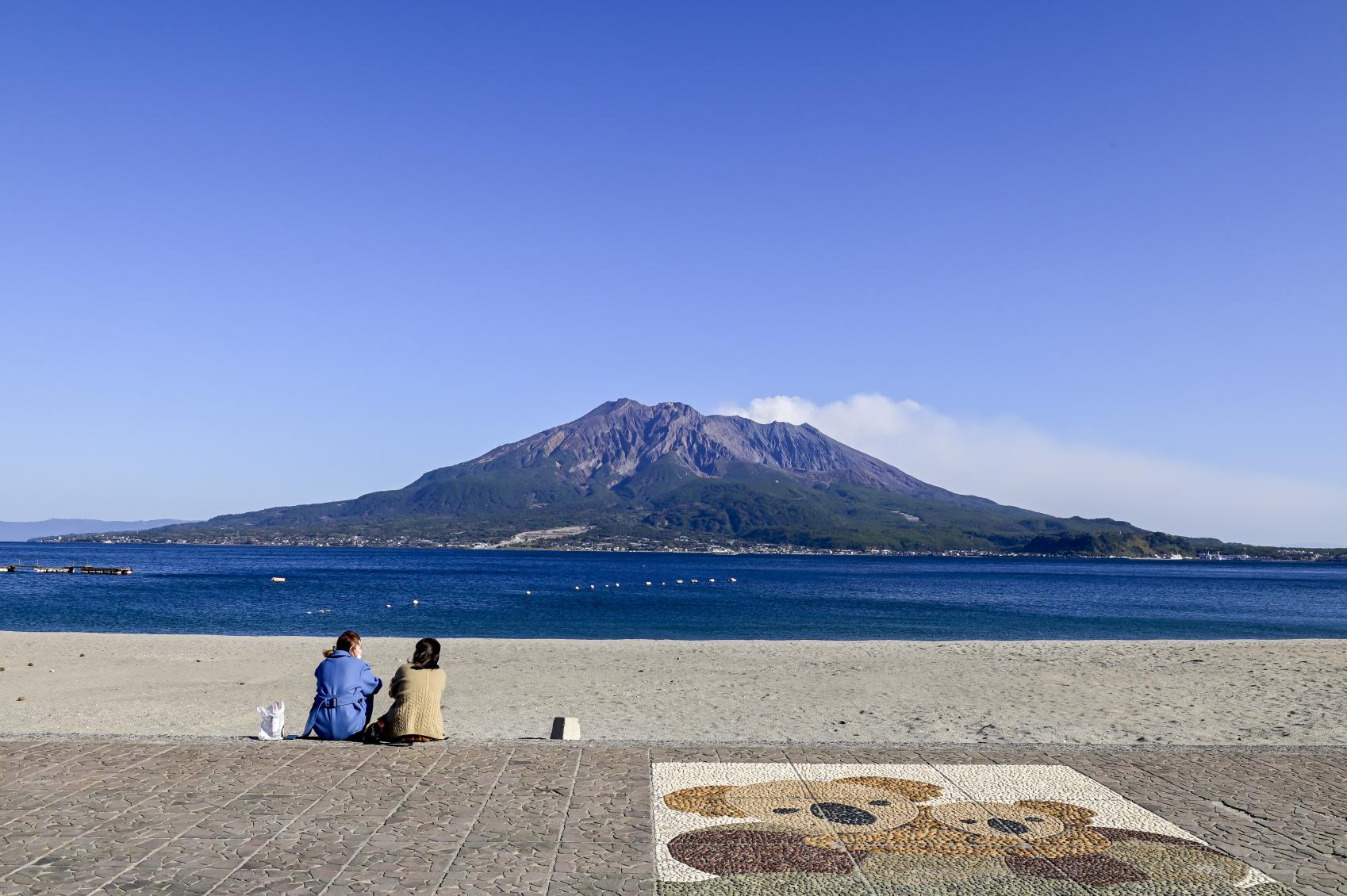
Iso Beach
-
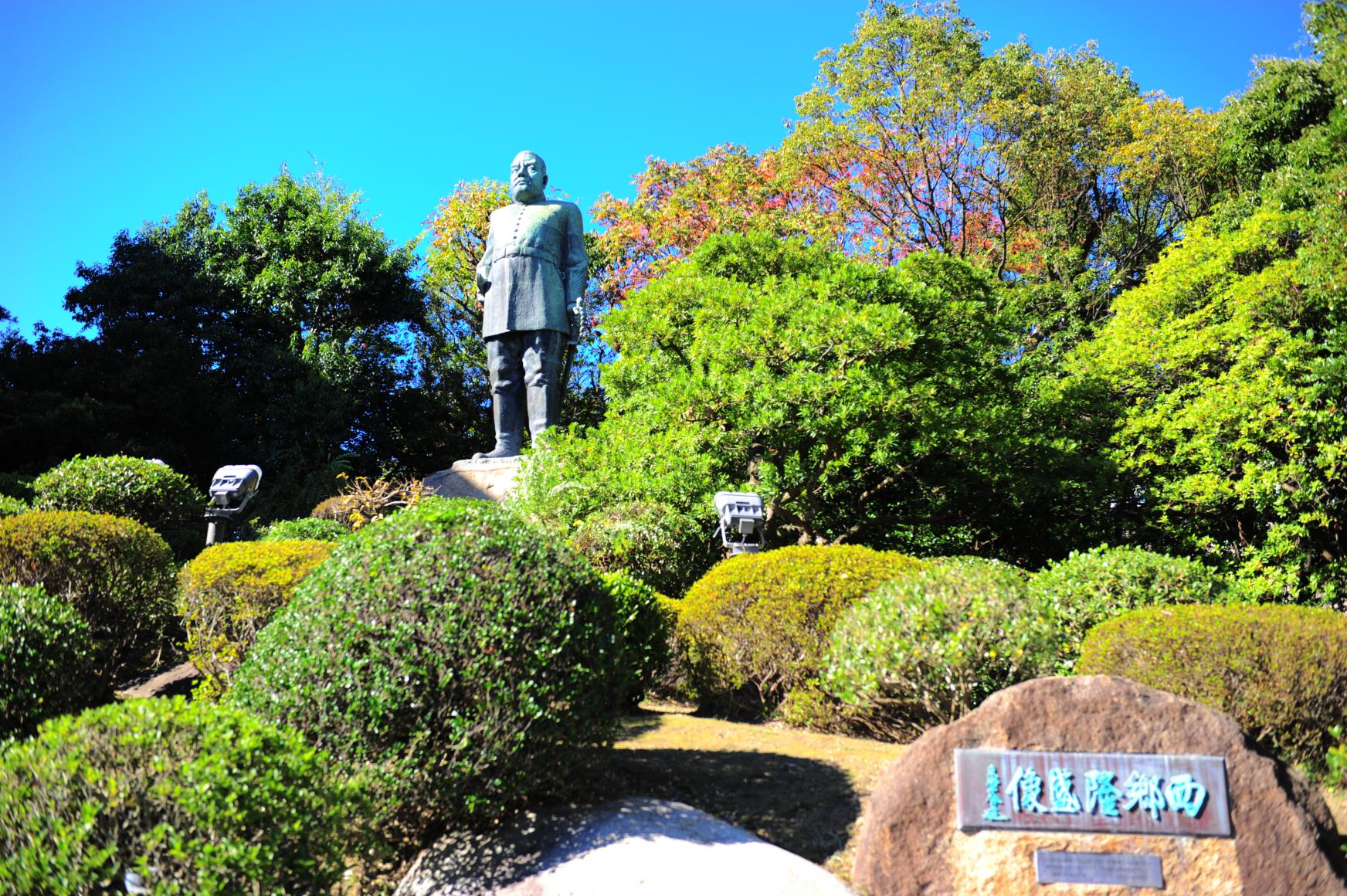
Bronze statue of Saigo Takamori
-
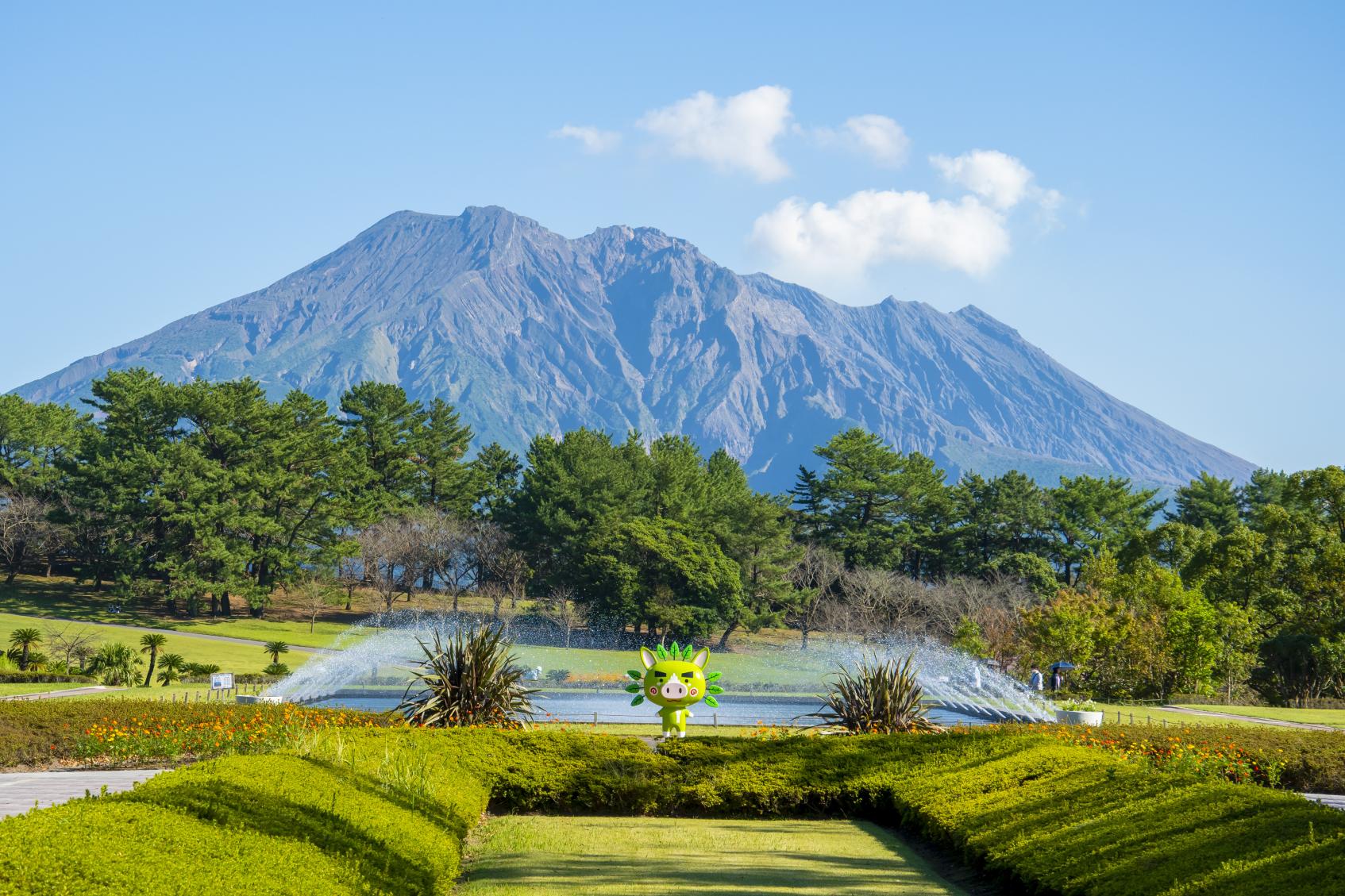
Yoshino Park
-
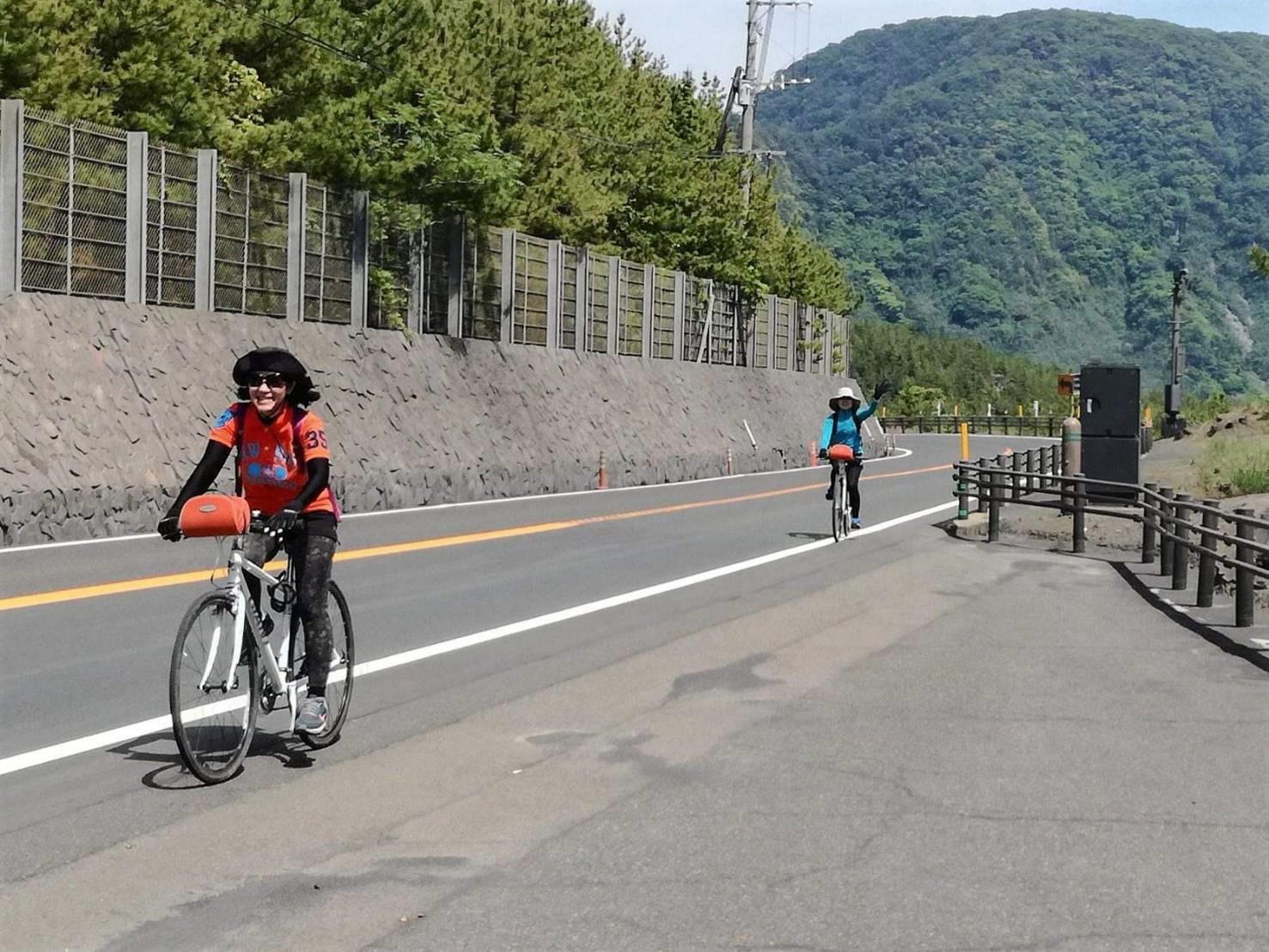
1-Day Cycling Course Around Sakurajima